Broadlink Connect
Your Broadlink remotes on the XENEON EDGE.
Made for your setup.
Your TV, air conditioner and fan remotes on your XENEON EDGE. Broadlink Connect learns the buttons of the remotes you already have through a Broadlink device, lays them out as a remote pad, chains them into macros and switches your Broadlink smart plugs. Everything stays on your network.
Broadlink Connect is an independent widget by QaemDev. It isn't made, endorsed or supported by Broadlink or Corsair. Broadlink is a trademark of its owner.
Take a closer look.
What it does.
Learn any button
Infrared, and 433 MHz radio on RM pro models. Try it before you save.
Your layout
Names, icons, colours and rooms, in the order you choose.
Macros
Several buttons in a row, with waits between steps.
Smart plugs
Switch SP plugs and MP1 sockets, with live power use.
Sensors
Temperature and humidity from an RM4, RM pro or e-Sensor.
Local only
No account and no cloud. Learned codes stay on your PC.
Specs.
- Category
- XENEON EDGE widgets
- Runs on
- Windows, iCUE, XENEON EDGE
- Requires
- A Broadlink RM mini, RM4 or RM pro, or a Broadlink SP plug, on your network
- iCUE 5.45 or newer
- A CORSAIR XENEON EDGE
- Windows 10 or 11
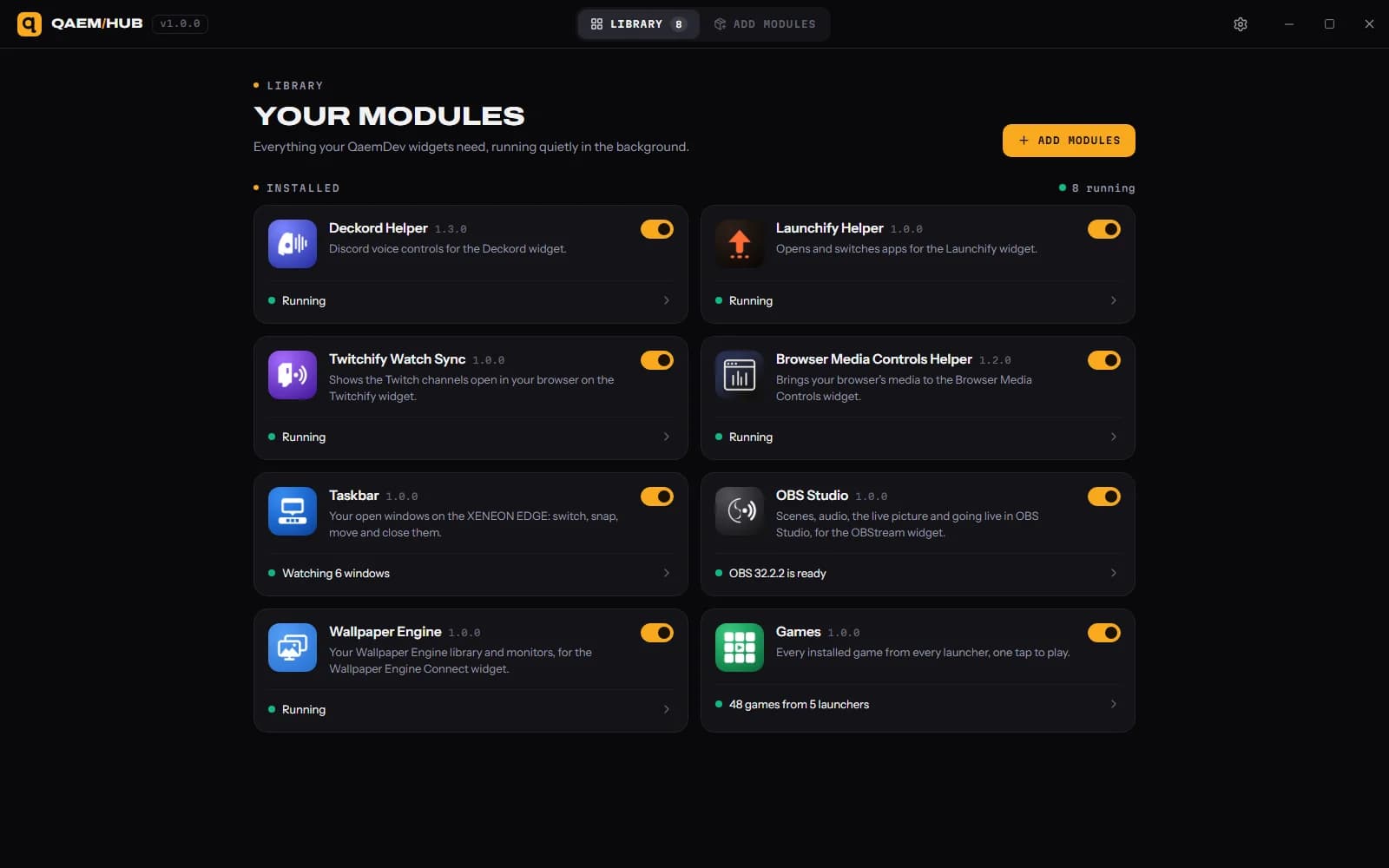
- Qaem Hub, or the Broadlink Module
Questions.
Why does Broadlink Connect need Qaem Hub?
Qaem Hub's Broadlink module finds your Broadlink devices on your network and talks to them directly. Learned codes stay on your PC, and nothing goes through a cloud.
How much will Broadlink Connect cost?
$9.99, a one-time purchase on the Elgato Marketplace and here on qaemdev.com. Broadlink Connect isn't listed yet.
What do I need to run Broadlink Connect?
A Broadlink RM mini, RM4 or RM pro, or a Broadlink SP plug, on your network. iCUE 5.45 or newer. A CORSAIR XENEON EDGE. Windows 10 or 11. Qaem Hub.