EdgeOS Desktop widgets for Windows and the XENEON EDGE
Desktop widgets and dashboards for Windows, on your monitors and the CORSAIR XENEON EDGE.
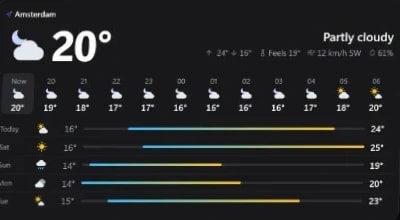
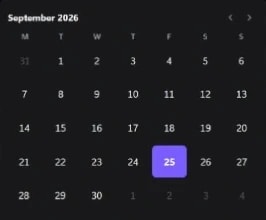
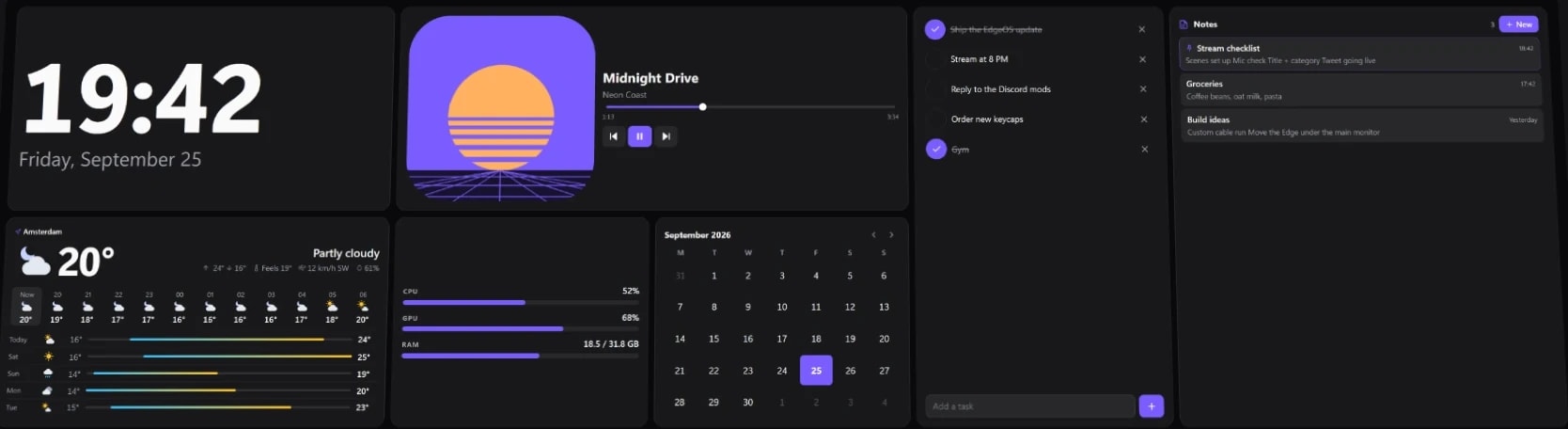
Made for your setup.
EdgeOS is a free desktop widgets app for Windows. Put a clock, calendar, system monitor, media controls, tasks, weather and more on your monitors or the CORSAIR XENEON EDGE, arranged the way you like, save each setup as a profile for gaming, work or streaming, and switch between them with a tap. On a monitor, EdgeOS sits on your desktop behind your apps or stays on top of every window. On the XENEON EDGE it runs full screen, or inside iCUE as a widget, and picks the right mode by itself. EdgeOS is free; Premium is an optional one-time upgrade that adds streaming widgets, Connect widgets for Home Assistant, Notion, Slack, GitHub and more, the Dynamic Island, more profiles, automation, themes and Elgato Marketplace widgets.
Take a closer look.
What it does.
Your monitors and the XENEON EDGE
On a monitor, EdgeOS sits on your desktop or over every window, with its own layout. On the Edge it runs full screen, or as an iCUE widget, following the mode you pick in iCUE.
Profiles
A layout for each moment, switchable in one tap. Free has one; Premium adds Gaming, Work, Streaming, Minimal and your own.
Built-in widgets
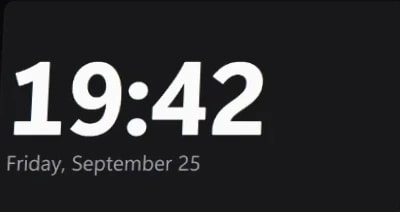
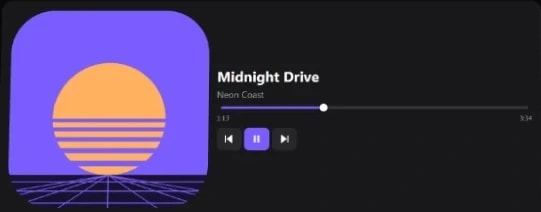
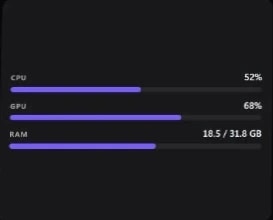
Clock, system load, Now Playing with touch controls, tasks, weather, calendar and more.
Your own widgets
Import a folder with widget.json and index.html, free. iCUE widgets from other makers run with Premium.
Custom looks
Your own dashboard and page backgrounds, and a look per widget, free. Themes, accents and custom colours are Premium.
Automation
Switch profiles by the app in front or the time of day. Premium.
Connect widgets
Home Assistant, Notion, Slack, GitHub, Stripe, Obsidian, Wave Link, Broadlink and Kick, each in its own widget. Premium.
Dynamic Island
A pill at the top of your screens for what's playing, calls, timers, stats and alerts, with controls a tap away. Premium.
Built-in widgets
88 widgets come with EdgeOS, 46 of them free. Every one has its own options, looks and text sizes.
Every widget, with its optionsTime and dates
- Clock
- World clocks
- Calendar
- Countdown
- Timer, stopwatch and Pomodoro
PC stats
- System load
- Sensors
- Readout
- Network
- Speed test
- Storage
- Battery
- Game modePremium
- Remote PCPremium
Media and sound
- Now Playing
- Volume mixer
- Speakers and microphone
- Audio output
- Mute
- Photo frame
- Image and video
- Audio visualizerPremium
PC controls
- Power
- Display brightness
- Wi-Fi
- Bluetooth
- Mobile hotspot
- Night light
- Keep awake
Launch and switch
- App shortcut
- Folder
- Quick Actions
- Virtual Stream Deck
- Steam LauncherPremium
- GameShelfPremium
- Playnite LibraryPremium
- TaskbarPremium
- Window mirrorPremium
- Custom buttonPremium
Everyday
- Weather
- Weather glance
- Tasks
- Notes
- Text
Web
- Browser
- YouTube
- Twitch
- X
- iFrame
Streaming
- OBS StudioPremium
- OBS Mixer and StatusPremium
- Twitch LivePremium
- Twitch ChatPremium
- Twitch ActionsPremium
- Twitch ActivityPremium
- KickifyPremium
- Kick Live, Chat and morePremium
Connect
- Home AssistantPremium
- Notion ConnectPremium
- Slack ConnectPremium
- GitHub ConnectPremium
- Stripe ConnectPremium
- Obsidian ConnectPremium
- Wave Link ConnectPremium
- Broadlink ConnectPremium
Free or Premium.
Free $0 | Premium $19.99 once | |
|---|---|---|
| Dashboard | ||
| Desktop Mode Full screen on the Edge when it's set up as a monitor. | ||
| Widget Mode Inside iCUE, beside your other widgets. | ||
| Normal monitors EdgeOS on your other monitors too, on the desktop or over every window. | ||
| Several screens at once The Edge and your monitors at the same time. Free shows EdgeOS on one screen. | ||
| Layout editor | ||
| Layout pages Several pages per layout, swiped on the Edge. | ||
| Free canvas Place widgets anywhere, at any size, and layer them. Canvas layouts you receive show on Free too. | ||
| Page automation Turn to a page when a game starts, when an app is open, or at set times. | ||
| Saved layouts | ||
| Pause while you play | ||
| Dynamic Island A pill at the top of your screens for media, calls, timers, stats and alerts. | ||
| Widgets | ||
| Built-in widgets | 46 | All 88 |
| Widget Builder (beta) Design your own widgets, then save and share them. Widgets you receive are free to use. | ||
| Edit designs Move, resize and restyle every part of a widget. | ||
| Import widgets A folder with widget.json and index.html. | ||
| Streaming widgets OBS Studio, Twitch and Kick. | ||
| Connect widgets Home Assistant, Notion, Slack, GitHub, Stripe, Obsidian, Wave Link and Broadlink. | ||
| Remote PC Another PC's load, temperatures, game FPS and media, over your network. | ||
| QaemDev widgets Launchify, Deckord, Browser Media Controls and Gmail Connect, built in. | ||
| Discord buttons Mute, deafen, camera and more on your action bars, through Deckord. | ||
| Ready-made texts Greeting, Big day, Date line and more in one click. Your own text is free. | ||
| Game libraries Steam Launcher, GameShelf and Playnite Library. | ||
| Football Live scores, fixtures and tables. | ||
| Window mirror Any app window, live on your Edge. | ||
| Game mode Live FPS, plus CPU and GPU load and temperatures while you play. | ||
| Taskbar Your open windows and pinned apps, on your Edge or a monitor. | ||
| Taskbar corner widgets System tray, tray icons, notifications, input language and connection. | ||
| Audio visualizer | ||
| Countdown with several dates | One date | Up to 8 |
| Custom button, Folder and Video | ||
| iCUE widgets from the Elgato Marketplace | ||
| Rainmeter skins Add .rmskin skins and place them like any widget. | ||
| Profiles | ||
| Profiles | Default | Unlimited |
| Profile automation Switch by the app in front or the time of day. | ||
| Look | ||
| Dashboard and page backgrounds | ||
| Widget fonts, sizes and designed looks | ||
| Built-in display fonts | ||
| Import your own fonts | ||
| Custom widget colours | ||
| Themes and accent colours | Default | |
| A different look per layout | ||
| Glass looks Liquid, Frosted and Smoked glass, and glass you can tune. Plain glass is free. | ||
| Sharing and integrations | ||
| Skins and layout sharing A skin's colours and themes need Premium. | ||
| Wallpaper Engine backgrounds | ||
| Virtual Stream Deck EdgeOS as a device in the Stream Deck app. | ||
| Trial | ||
| Try Premium free Every Premium feature for 7 days, from Settings → License. Needs a qaemdev.com sign-in; no card, no subscription. | 7 days | — |
Downloads.
EdgeOSv1.2.0
Desktop widgets and dashboards for your monitors and the XENEON EDGE, with profiles and both Edge modes. Free, with an optional Premium upgrade.
Setup guideEdgeOS iCUE widgetv1.1.8
EdgeOS inside iCUE, for Widget Mode on the XENEON EDGE. Needs the free EdgeOS app.
Setup guideSpecs.
- Category
- Apps
- Version
- 1.2.0
- Runs on
- Windows 10/11, Any monitor, CORSAIR XENEON EDGE
- Works with
- Discord, Twitch, YouTube, Home Assistant, OBS Studio, Gmail, Steam
- Requires
- Windows 10 or 11, 64-bit
- Any monitor, or a CORSAIR XENEON EDGE
- iCUE, only for Widget Mode on the Edge
Guides.
Cheap XENEON EDGE alternative: any touchscreen as a widget panel
Turn a cheap bar display or portable touchscreen into a XENEON EDGE-style widget panel with EdgeOS: which screens work, which don't, how to set one up in Windows, and what you give up.

How to put Twitch chat on a second monitor (or see it without one)
Every way to keep Twitch chat in view while you stream or play: popout chat, an OBS dock, your phone, or a small touchscreen like the XENEON EDGE with one-tap moderation.
XENEON EDGE not working? Fix detection, widgets, no signal and touch
XENEON EDGE not showing in iCUE, widgets not showing, no signal or touch not working: what causes each one and how to fix it, step by step.

 +2
+2XENEON EDGE setup ideas: 7 layouts and the best widgets
Complete CORSAIR XENEON EDGE layouts for gaming, Discord, streaming, work, a smart home dashboard and music, with the widgets each one uses, what's free and what needs iCUE.


XENEON EDGE Spotify widget: now playing for Spotify and YouTube Music
Show what's playing in Spotify, YouTube Music or any browser tab on your CORSAIR XENEON EDGE, with artwork and touch controls, using the free Now Playing widget in EdgeOS.
XENEON EDGE vertical mount and portrait widget layouts
Mount the CORSAIR XENEON EDGE vertically, turn it to portrait in Windows, and lay out widgets for a tall screen in EdgeOS, which keeps a separate portrait layout for every profile.
Add widgets to your Windows desktop
Put a clock, the weather, CPU and GPU stats, media controls and more on your Windows 11 or 10 desktop with EdgeOS, free: on any monitor, behind your apps or on top.

Set up Stripe Connect
Make a read-only Stripe key and connect it to Stripe Connect in EdgeOS or iCUE: the exact permissions, test mode, privacy, and how to revoke the key.
Set up EdgeOS
Install EdgeOS, put it on a monitor or your XENEON EDGE (in Desktop Mode or Widget Mode) and, if you bought it, activate Premium.
 +4
+4Install an iCUE widget on the XENEON EDGE
Double-click the .icuewidget file or import it in iCUE, drag it onto your XENEON EDGE and pick a size. The same steps for every widget, plus where its settings are.
EdgeOS skins
Install, apply and make .edgeskin files: a whole look for the XENEON EDGE in one file, with its layouts, widgets, colours and background.
Build your own EdgeOS widget
Make a custom widget for EdgeOS from a widget.json and an index.html: options, live system and media data, text size, and how iCUE widgets run inside EdgeOS.
Questions.
What is EdgeOS?
EdgeOS is a free desktop widgets app for Windows. It puts widgets such as clocks, weather, PC stats, media controls, a volume mixer and shortcuts on your monitors, laid out the way you like, and it has full support for the CORSAIR XENEON EDGE, the 14.5-inch 2560 × 720 touchscreen, in both of its modes. It's made by QAEM, an independent developer.
Do I need a XENEON EDGE to use EdgeOS?
No. EdgeOS runs on any monitor on Windows 10 or 11. It started as the dashboard for the CORSAIR XENEON EDGE and keeps full support for it: full screen when the Edge is a Windows display, or as an iCUE widget in Widget Mode.
Is EdgeOS free?
Yes. EdgeOS is free to download and use, with 46 of its 88 built-in widgets, the layout editor, skins and the widgets you import. Premium is an optional one-time purchase of $19.99, with no subscription, that adds the other widgets, more profiles, automation, themes and more.
Is EdgeOS safe to install?
Yes. The installer isn't code-signed yet, so Windows SmartScreen says "Windows protected your PC" with "Unknown publisher", and some antivirus apps flag it for the same reason. Download it only from qaemdev.com, then click More info and Run anyway.
Is there a free trial of EdgeOS Premium?
Yes. In EdgeOS, open Settings → License and choose Try free for 7 days. You sign in to qaemdev.com once; no card is needed and nothing renews. Each PC and each account gets one trial. After 7 days EdgeOS goes back to Free and keeps your layouts, or you can keep Premium for $19.99 once.
Does EdgeOS need iCUE?
No, only for Widget Mode on the XENEON EDGE. On your monitors, and on the Edge when it's a normal Windows display, EdgeOS runs on its own. In Widget Mode it runs as a widget inside iCUE, next to your other widgets, and EdgeOS follows the mode you choose in iCUE.
Which widgets does EdgeOS have?
88 built-in widgets, including clocks and world clocks, weather, a calendar, tasks and notes, CPU, GPU, memory and sensor readouts, Now Playing with media controls, a volume mixer, app shortcuts, a timer with a stopwatch and Pomodoro, countdowns, a photo frame, and web pages such as YouTube and Twitch. Premium adds OBS Studio, Twitch and Kick controls, Game mode with live FPS, GameShelf and a Steam launcher, Connect widgets for Home Assistant, Notion, Slack, GitHub and Stripe, Remote PC, a taskbar and a window mirror, among others.
What's new in EdgeOS 1.2?
EdgeOS 1.2.0 came out on October 20, 2026. It adds Premium widgets for Remote PC, GameShelf, Home Assistant, Wave Link, GitHub, Broadlink, Notion, Obsidian, Slack, Stripe and Kick, and the Dynamic Island, a pill at the top of your screens for media, calls, timers and alerts. It also adds German, live CPU and GPU clock speeds, glass for any part of a widget, and a privacy cover for the Browser and iFrame widgets.
Can I make my own widgets for EdgeOS?
Yes, for free. An EdgeOS widget is a folder with a widget.json and an index.html, written in plain HTML, CSS and JavaScript, and it gets the same options, looks and text sizes as the built-in widgets. With Premium, iCUE widgets (.icuewidget files), such as those from the Elgato Marketplace, run in EdgeOS too.
Does EdgeOS work with Stream Deck?
Yes, with Premium. EdgeOS shows up as a device in the Elgato Stream Deck app, and its Virtual Stream Deck widget puts those keys on your dashboard, on a monitor or the XENEON EDGE, where you click or tap them.
Can I use EdgeOS on my other monitors?
Yes. EdgeOS runs on normal monitors too, each with its own layout, either on the desktop behind your apps or on top of every window. Free shows EdgeOS on one screen at a time; Premium runs it on the Edge and all your monitors at once.
Will EdgeOS slow down my games?
EdgeOS can pause or stop by itself while a game is full screen, while apps you choose are running, or when your CPU or GPU is busy, and it carries on when you're done. These Performance settings are free.
Do I need an account to use EdgeOS?
No. EdgeOS is free with no account. Premium is a license key: you activate it online once, it keeps working offline between check-ins, and one key covers one PC at a time.
Does EdgeOS run on macOS or Linux?
No. EdgeOS is for Windows 10 and 11, 64-bit.
Is EdgeOS made by CORSAIR?
No. EdgeOS is an independent app by QAEM and isn't affiliated with or endorsed by CORSAIR or Elgato. It runs next to iCUE, or on its own in Desktop Mode.
Where do I get EdgeOS?
As a direct download from qaemdev.com.
What do I need to run EdgeOS?
Windows 10 or 11, 64-bit. Any monitor, or a CORSAIR XENEON EDGE. iCUE, only for Widget Mode on the Edge.
More Apps

Apps
Browser Media Controls for Windows
Your browser's media on the Windows desktop, with a Dynamic Island, flyout and hotkeys.
Apps
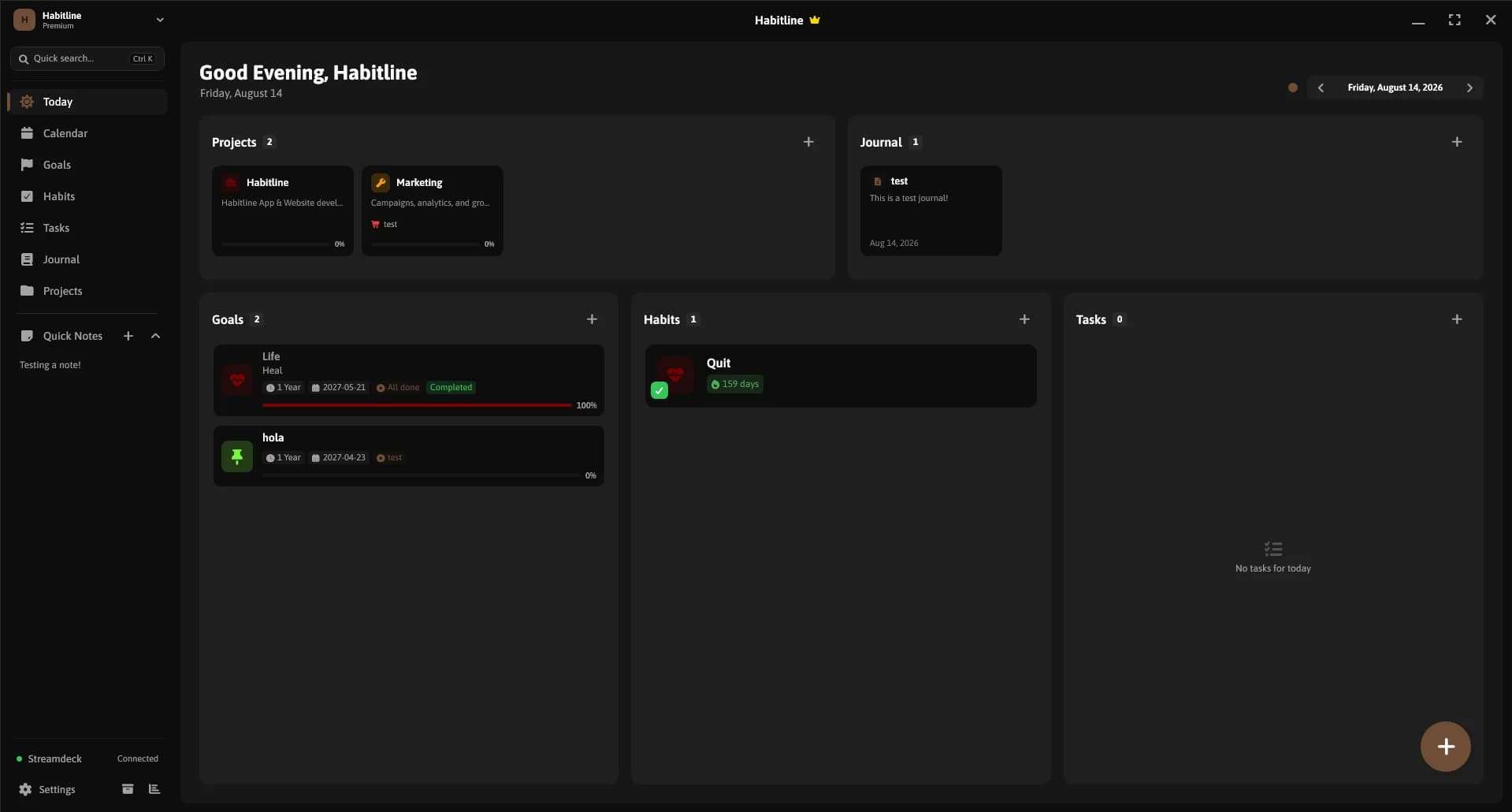
Habitline
A calm Windows app for habits that stick, with goals, tasks, a journal and boards.

Apps
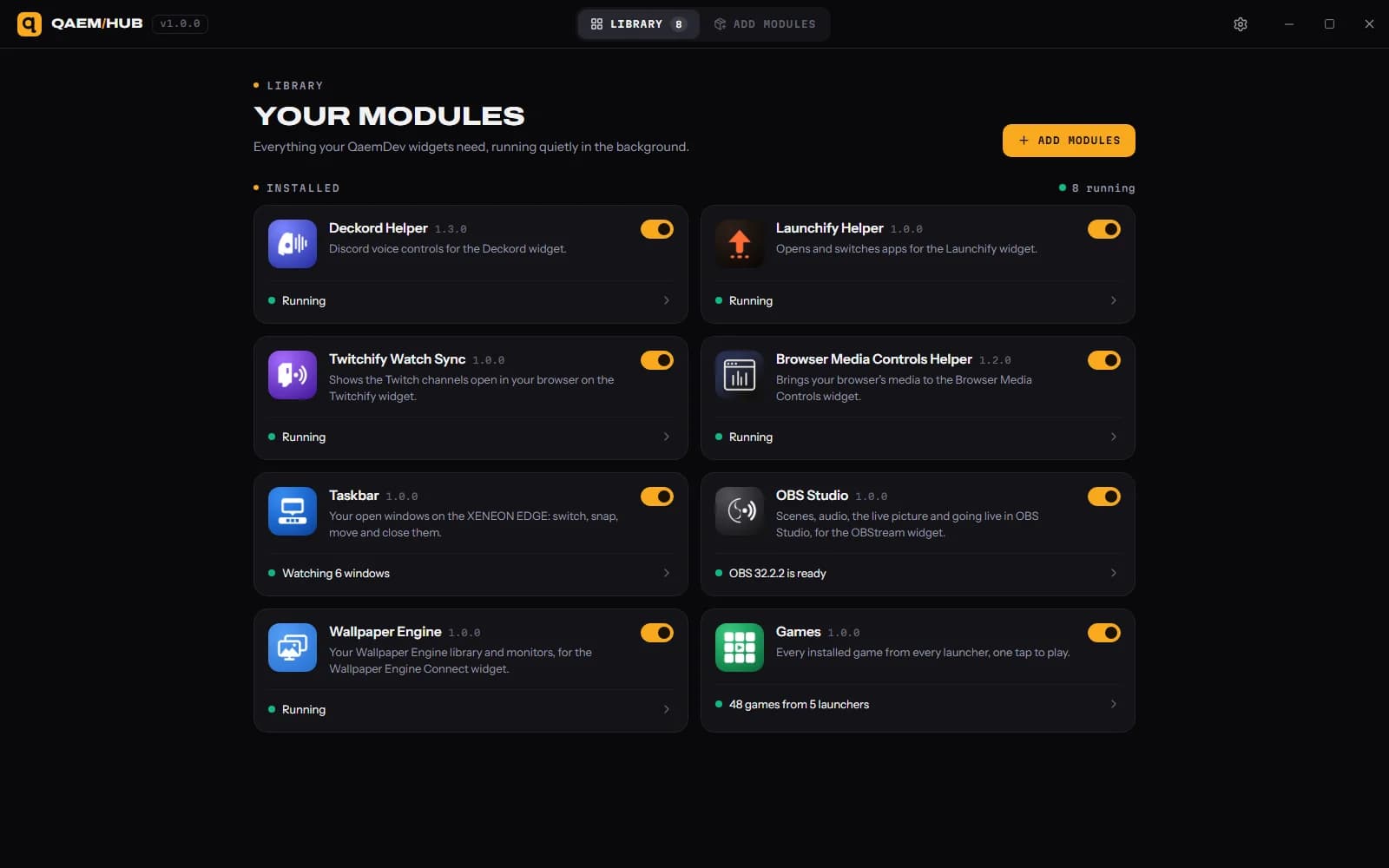
Qaem Hub
The companion app for QAEM products.