
Qaem Hub
The helpers for QAEM's XENEON EDGE widgets, in one app in the tray.
An iCUE widget can't launch an app, see your windows or talk to Discord by itself. Qaem Hub does that part: it runs each widget's helper as a module, starts with Windows and keeps itself up to date. If you have the old standalone helpers, it replaces them by itself and keeps your sign-ins and settings.
- Windows 10/11
What it does
01
One app for every helper
Each widget's helper runs as a module, from one app in the tray.
02
Replaces the old helpers
It uninstalls the standalone helpers by itself. Same ports, your sign-ins and settings kept, nothing to re-import in iCUE.
03
Looks after itself
Starts with Windows, and restarts a helper that stops.
04
Updates itself
New versions, helper updates included, install while your PC is idle.
05
A guide for every module
Each module has a step-by-step setup guide inside the app.
06
Closed to web pages
Only iCUE, EdgeOS and Qaem Hub can reach the modules. Widgets that handle secrets, like OBS, need your OK once, with a 4-digit code.
Modules
Add the modules your widgets use. Each one runs in the background, with its own setup guide in the app.
Replaces the old helpers
- Deckord Helper
- Launchify Helper
- Twitchify Watch Sync
- Browser Media Controls Helper
For the new widgets
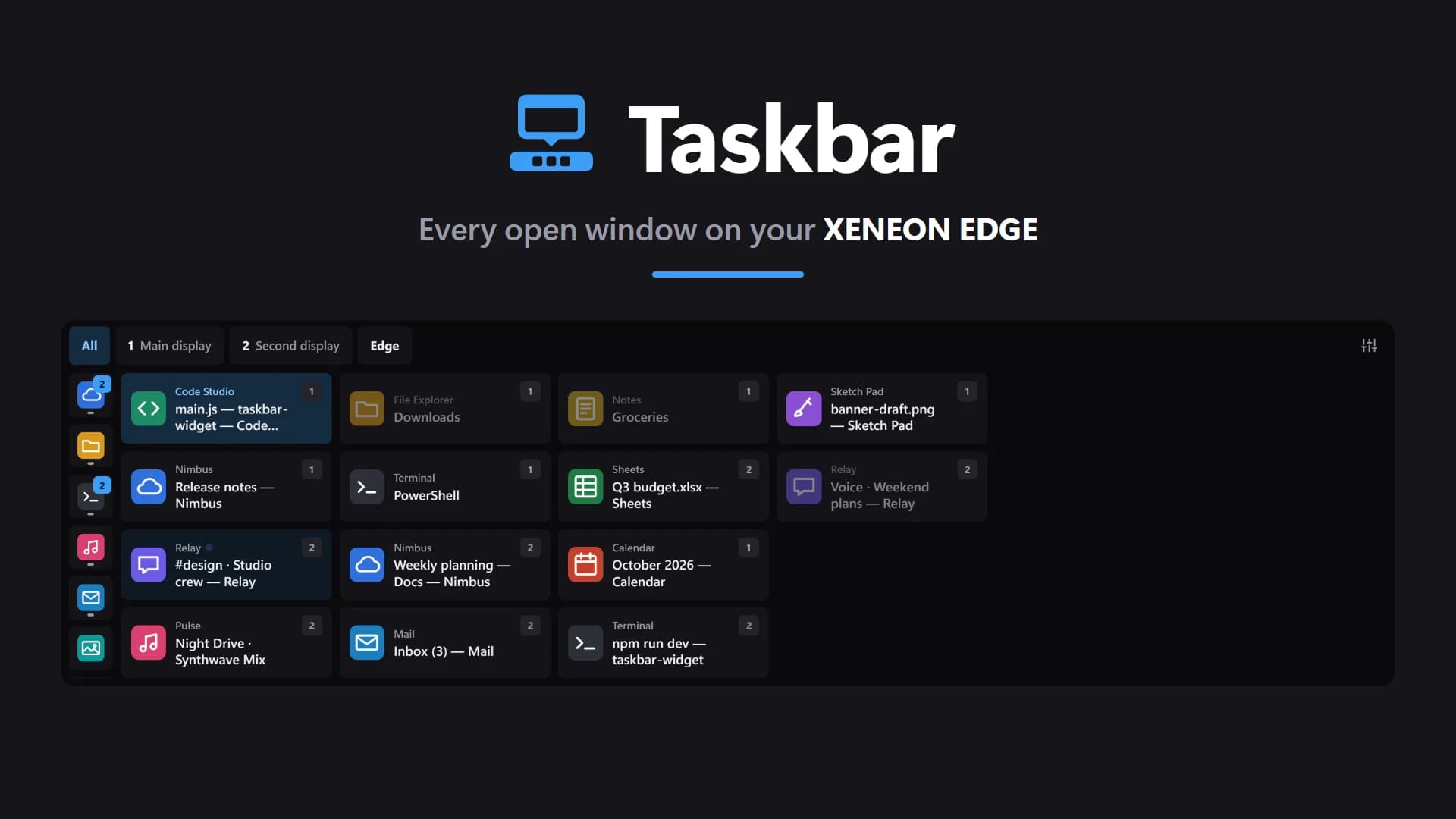
- Taskbar, for the Taskbar widget
- OBS Studio, for OBStream
- Streamlabs Desktop, for Labify
- Wallpaper Engine, for Wallpaper Engine Connect
- Games, for GameShelf
Downloads
Qaem Hubv1.0.1
Runs the helpers QAEM's XENEON EDGE widgets need, from one app in the tray. It replaces the old standalone helpers by itself.
Setup guideSpec sheet
- Category
- Apps
- Version
- 1.0.1
- Runs on
- Windows 10/11
- Requires
- Windows 10 or 11, 64-bit
Common questions
- What is Qaem Hub?
- Qaem Hub is a free Windows app that runs the helpers QAEM's XENEON EDGE widgets need. A widget can't launch apps, see windows or talk to Discord by itself, so Qaem Hub does that part, from the tray, for every widget at once.
- What happens to the helpers I already installed?
- Qaem Hub replaces them the first time it starts. It uninstalls the standalone helpers for Deckord, Launchify, Twitchify Watch Sync and Browser Media Controls, and runs the same helpers as modules on the same ports, with your sign-ins and settings. Nothing needs re-importing in iCUE.
- Can a website use Qaem Hub?
- No. Only iCUE, EdgeOS and Qaem Hub itself can talk to its modules. A widget that handles secrets, such as an OBS password, also has to be allowed once in Qaem Hub, by matching a 4-digit code.
- How much does Qaem Hub cost?
- Free. No account needed.
- Where do I get Qaem Hub?
- As a direct download from qaemdev.com.
- What do I need to run Qaem Hub?
- Windows 10 or 11, 64-bit.
Works with


XENEON EDGE
Deckord Widget
Discord mission control on your XENEON EDGE. No Stream Deck required.


XENEON EDGE
Launchify
Your apps, one tap away on the CORSAIR XENEON EDGE.


XENEON EDGE
Twitchify
Twitch mission control on your XENEON EDGE.


XENEON EDGE
Browser Media Controls Widget
Your browser's media on the XENEON EDGE, with live artwork and full touch control.

XENEON EDGE
Taskbar
Every open window on your XENEON EDGE, with your pinned apps beside them.