Windows 10 and 11
Apps for Windows
Desktop widgets and dashboards for every monitor, a habit tracker, your browser's media in a Dynamic Island, and the free companion app that connects QAEM's widgets to your PC.
EdgeOS
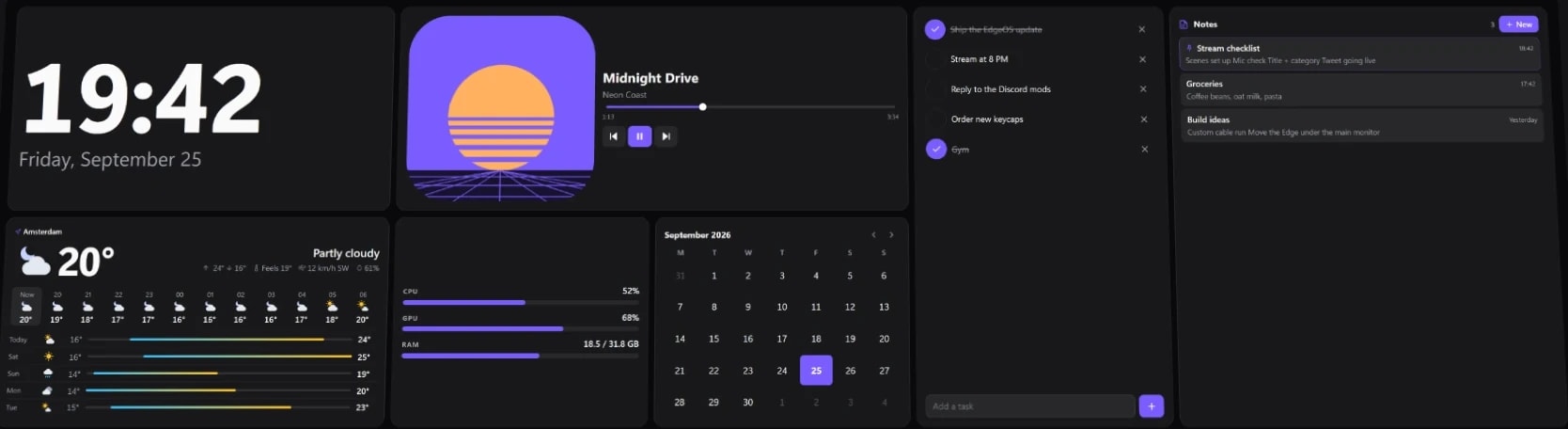
Desktop widgets and dashboards for Windows, on your monitors and the CORSAIR XENEON EDGE.
- Free
- Premium $19.99 once
- 88 built-in widgets
- Any monitor
- Windows 10/11
Apps
Desktop apps for Windows.


Apps
Browser Media Controls for Windows
Your browser's media on the Windows desktop, with a Dynamic Island, flyout and hotkeys.
Apps
Habitline
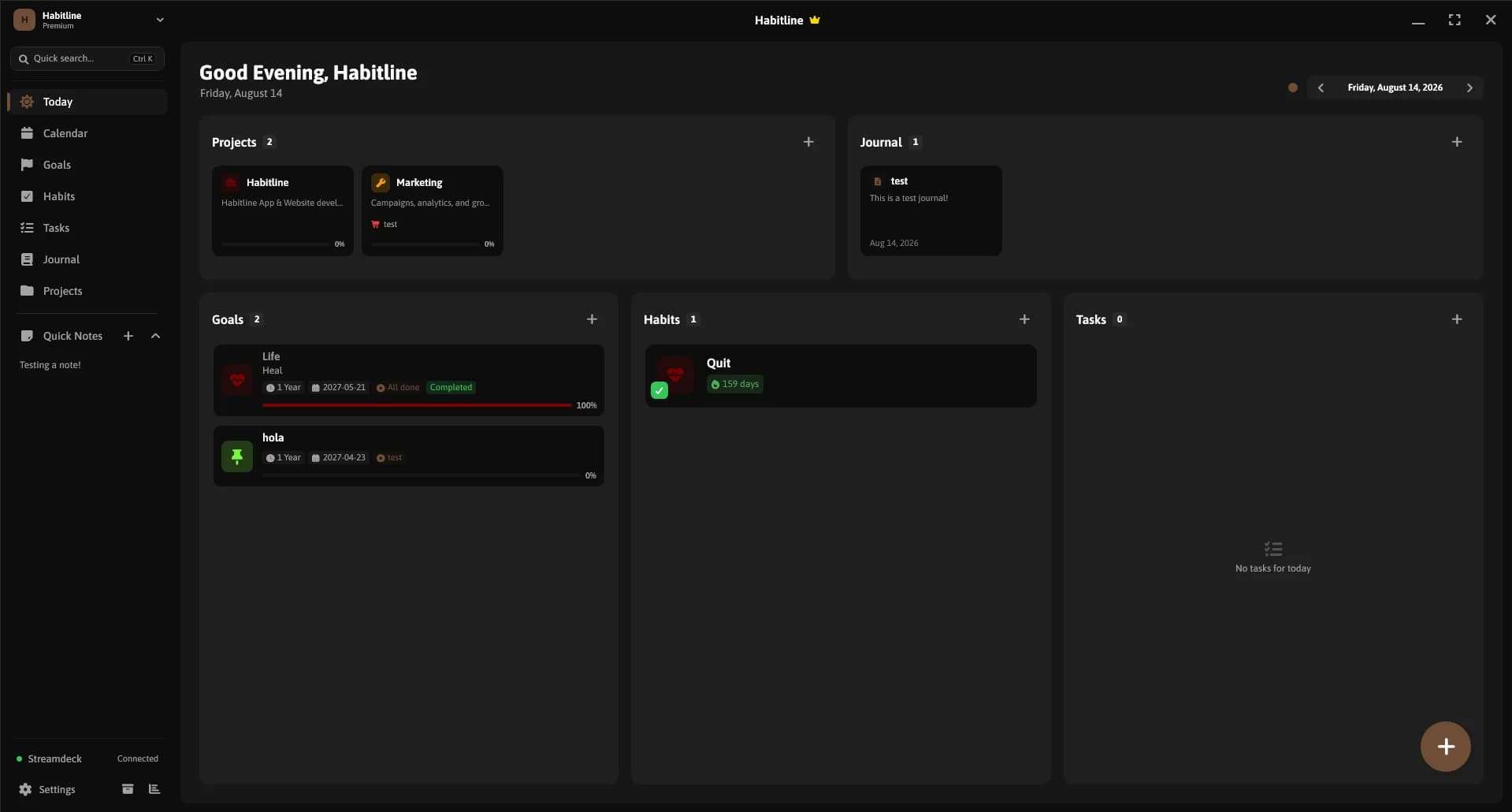
A calm Windows app for habits that stick, with goals, tasks, a journal and boards.

Apps
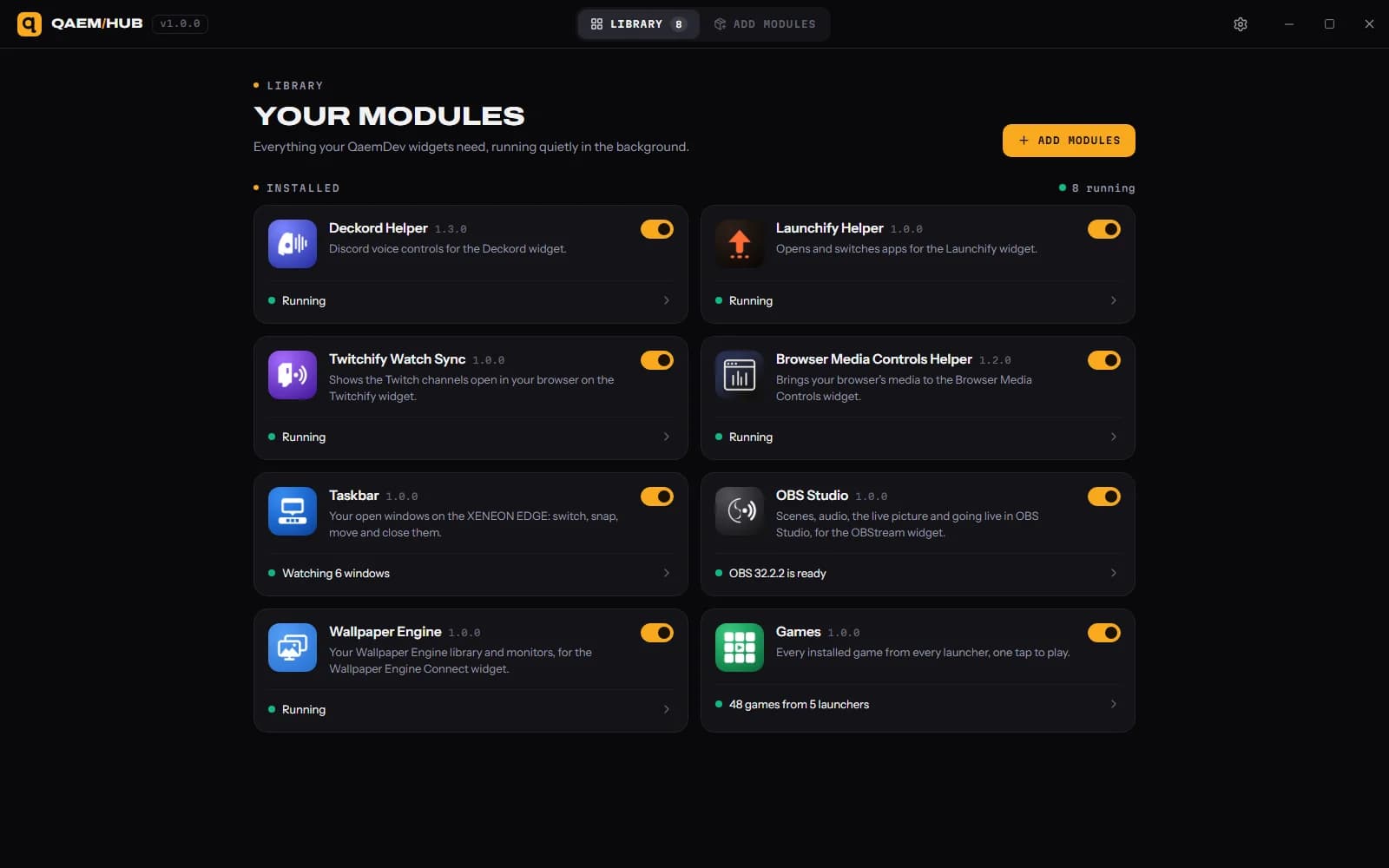
Qaem Hub
The companion app for QAEM products.

Apps
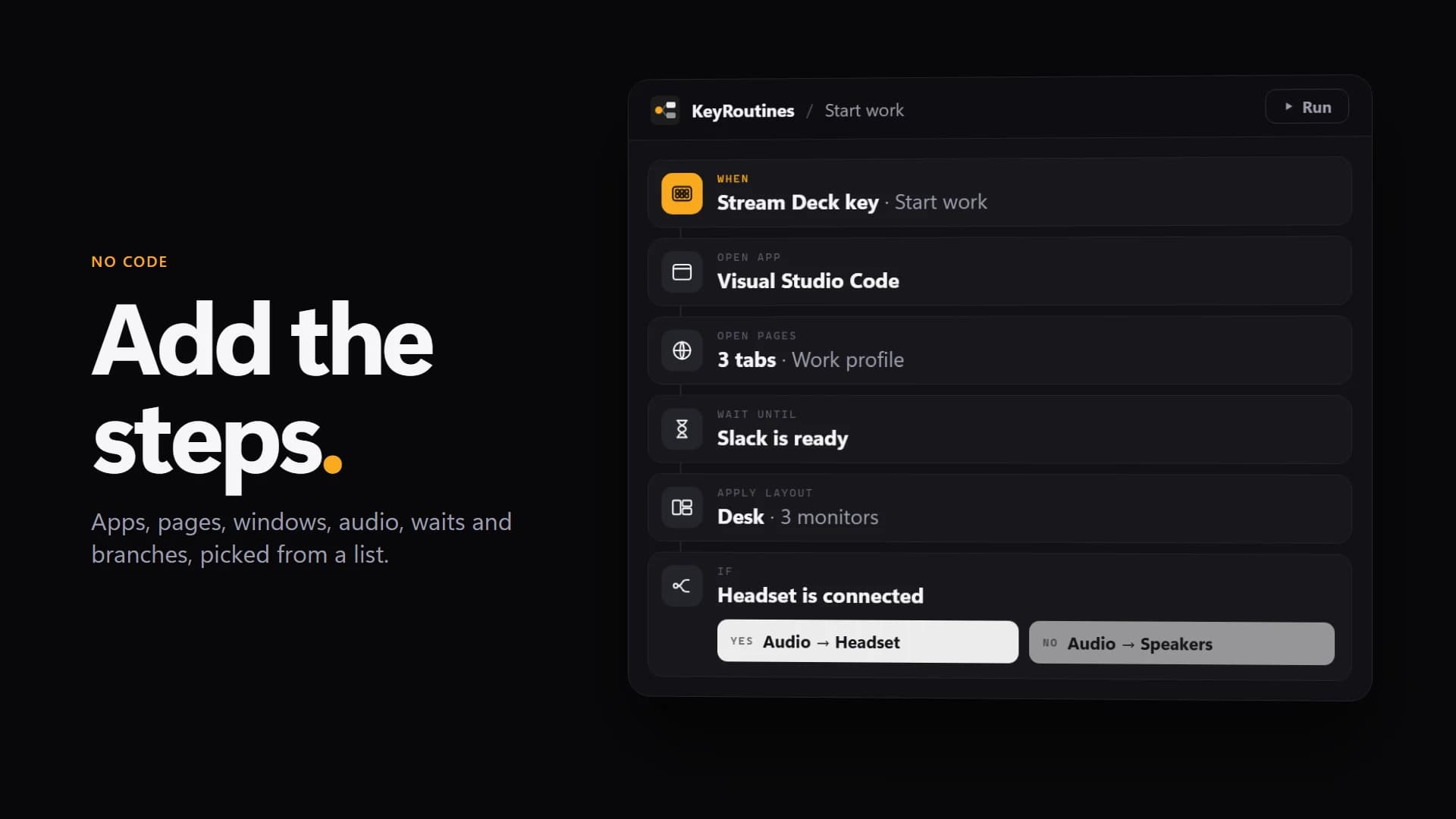
KeyRoutines
Build a routine once. Let KeyRoutines do it for you.
Setup guides
Add widgets to your Windows desktop
Put a clock, the weather, CPU and GPU stats, media controls and more on your Windows 11 or 10 desktop with EdgeOS, free: on any monitor, behind your apps or on top.

Set up Stripe Connect
Make a read-only Stripe key and connect it to Stripe Connect in EdgeOS or iCUE: the exact permissions, test mode, privacy, and how to revoke the key.
Set up EdgeOS
Install EdgeOS, put it on a monitor or your XENEON EDGE (in Desktop Mode or Widget Mode) and, if you bought it, activate Premium.
Set up Qaem Hub
Install Qaem Hub, add the modules your widgets use and allow the widgets that ask. Old helpers are replaced for you.


 +4
+4Install an iCUE widget on the XENEON EDGE
Import a .icuewidget file into iCUE, place it on your XENEON EDGE and find its settings.
EdgeOS skins
Install, apply and make .edgeskin files: a whole look for the XENEON EDGE in one file, with its layouts, widgets, colours and background.
Build your own EdgeOS widget
Make a custom widget for EdgeOS from a widget.json and an index.html: options, live system and media data, text size, and how iCUE widgets run inside EdgeOS.
Common questions
Which Windows apps does QAEM make?
Browser Media Controls for Windows: your browser's media on the Windows desktop, with a Dynamic Island, flyout and hotkeys. EdgeOS: desktop widgets and dashboards for Windows, on your monitors and the CORSAIR XENEON EDGE. Habitline: a calm Windows app for habits that stick, with goals, tasks, a journal and boards. Qaem Hub: the companion app for QAEM products. Coming soon: KeyRoutines.
Is there a free desktop widget app for Windows 11?
Yes. EdgeOS is free on Windows 10 and 11, with 46 of its 88 built-in widgets: clocks, weather, a calendar, PC stats, media controls, a volume mixer and more, on any monitor or the CORSAIR XENEON EDGE. Premium is an optional $19.99 one-time upgrade.
Where do I get them?
Browser Media Controls for Windows: on the Microsoft Store. EdgeOS: a free download from qaemdev.com. Habitline: a free download from qaemdev.com. Qaem Hub: a free download from qaemdev.com.
Do they run on macOS or Linux?
No. They're Windows apps, for Windows 10 and 11.