
Browser Media Controls for Windows Dynamic Island app for Windows
Your browser's media on the Windows desktop, with a Dynamic Island, flyout and hotkeys.
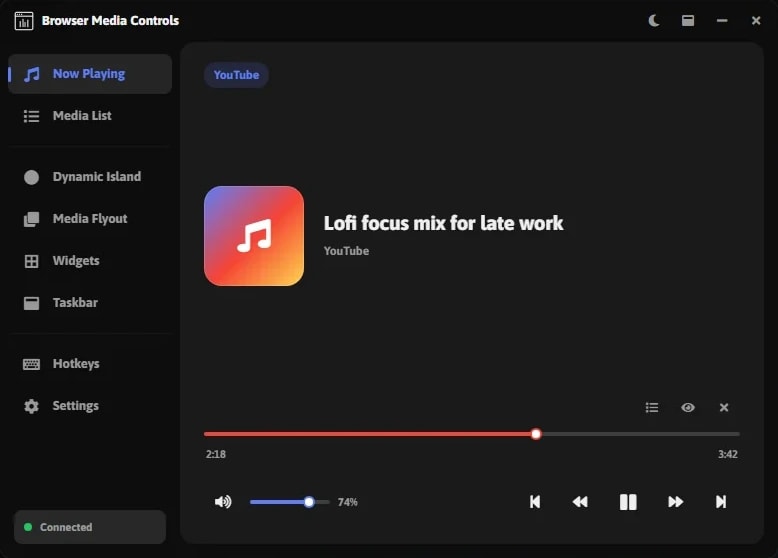
Made for your setup.
Browser Media Controls for Windows is a Dynamic Island app for Windows. The Browser Media Controls Windows app puts whatever's playing in your browser on your desktop, with a Dynamic Island, a media flyout, widgets, taskbar controls, global hotkeys and a Now Playing page.
Take a closer look.
What it does.
Dynamic Island
A compact island that shows what's playing.
Media flyout
Full playback controls, one click away.
Global hotkeys
Play, pause and skip from anywhere with your own shortcuts.
Widgets and taskbar
Desktop widgets and taskbar controls for your browser media.
Now Playing
A full page for the track or video that's playing.
Specs.
- Category
- Apps
- Version
- 1.0
- Runs on
- Windows 10/11
- Works with
- YouTube
- Requires
- Windows 10 or 11
- The Browser Media Controls browser extension
Guides.
A setup guide for Browser Media Controls for Windows is on the way.
Questions.
How much does Browser Media Controls for Windows cost?
$4.99. Lifetime license on the Microsoft Store, at a limited-time price (regularly $10.00).
Where do I get Browser Media Controls for Windows?
On the Microsoft Store.
What do I need to run Browser Media Controls for Windows?
Windows 10 or 11. The Browser Media Controls browser extension.
Works with

Stream Deck
Browser Media Controls
Control the media playing in your browser from Stream Deck keys and dials.

XENEON EDGE
Browser Media Controls Widget
Your browser's media on the XENEON EDGE, with live artwork and full touch control.
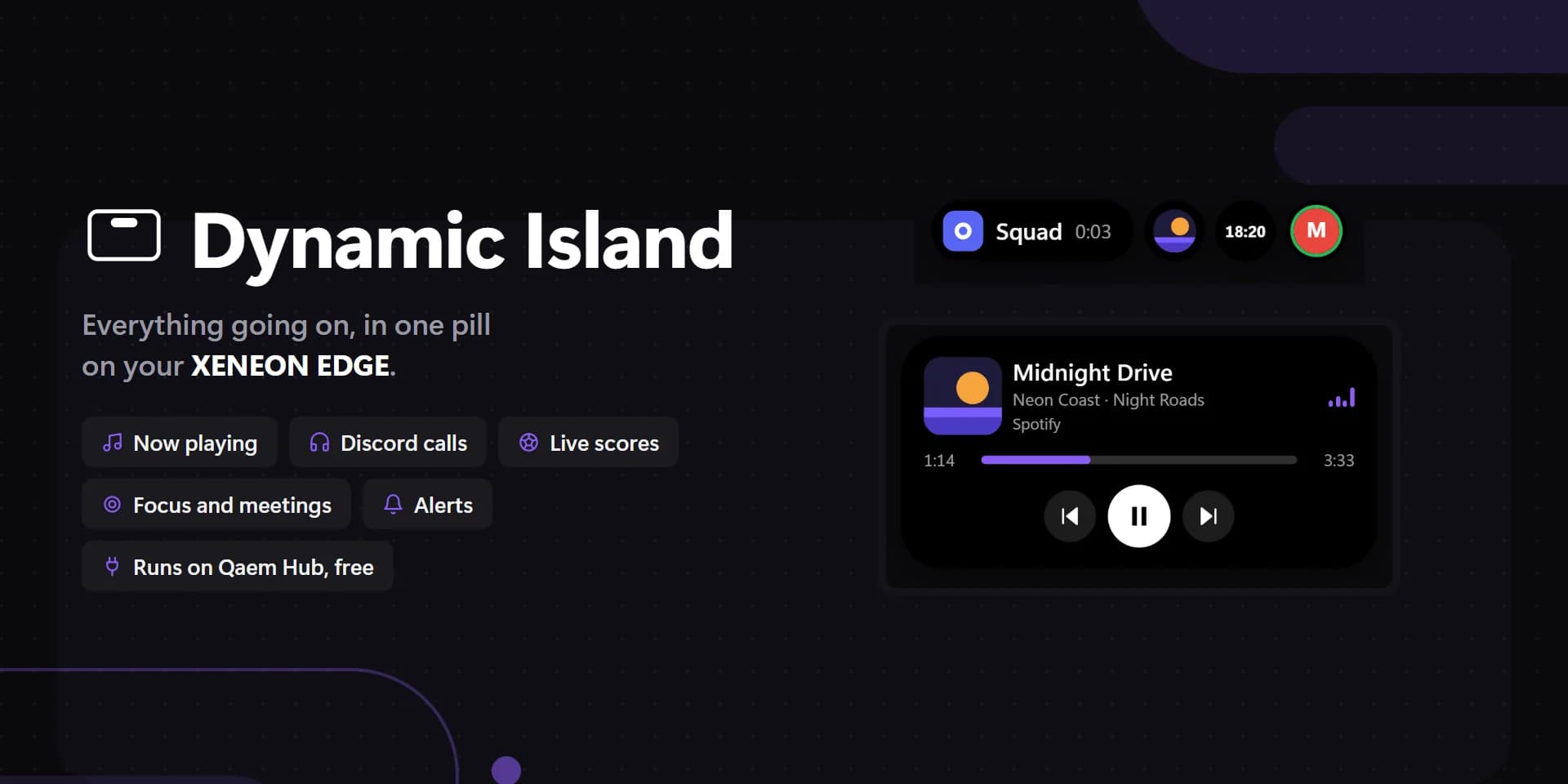

XENEON EDGE
Dynamic Island
Everything going on, in one pill on your XENEON EDGE.