
Dynamic Island
Everything going on, in one pill on your XENEON EDGE.
Made for your setup.
One small pill on your XENEON EDGE that shows what's going on right now and opens with a tap: the song playing, a focus session, your next meeting, your PC's stats, and alerts that come and go. Your Discord call, browser tabs, live scores, Kick, Slack and OBS join in when you have their QaemDev widget too. It sits on the side of its tile that matches where you put it on the Edge.
Dynamic Island is an independent widget by QaemDev. It isn't made, endorsed or supported by Apple or Corsair.
Take a closer look.
What it does.
Now playing
What's playing in any app, with the cover, and play, pause, skip and seek when you open it.
Focus and meetings
Focus sessions with rings and round dots, and your next meeting with a Join button.
Your PC
Weather, CPU and GPU, temperatures, batteries, Bluetooth devices, game FPS, downloads and screenshots.
Alerts that come and go
Volume and mic, a new song, low battery, a device connecting, running hot.
Works with your other widgets
Discord calls, browser tabs, live scores, Kick, Slack and OBS unlock with Deckord, Browser Media Controls, Football, Kickify, Slack Connect and OBStream.
Several at once
Bubbles beside the island, or two live things in one pill, with your own priority rules.
Made for the Edge
It takes the side of the tile that matches where it sits, or pins to a corner.
Your look
Floating, From the edge or Squarer, with your colours, glass, or iCUE's screen colours.
What it shows
Most of it comes with the island. Six activities come from their own QaemDev widget, and light up when that widget is in iCUE on the same PC.
Included
- Now playing
- Volume and mic
- Focus sessions
- Your next meeting
- Weather
- CPU and GPU
- Temperatures
- Batteries and Bluetooth devices
- Game FPS
- Downloads
- Screenshots
- The clock
- Your custom status
Unlocks with its widget
- Discord calls, with Deckord
- Browser tabs, with Browser Media Controls
- Live scores, with Football
- Kick, with Kickify
- Slack, with Slack Connect
- OBS, with OBStream
Specs.
- Category
- XENEON EDGE widgets
- Runs on
- Windows, iCUE, XENEON EDGE
- Requires
- iCUE 5.45 or newer
- A CORSAIR XENEON EDGE
- Windows 10 or 11
- Qaem Hub, or the Dynamic Island Module
- Discord calls, browser tabs, live scores, Kick, Slack and OBS: that activity's own QaemDev widget in iCUE on the same PC
Questions.
Does Dynamic Island show Discord calls, scores, Kick, Slack and OBS by itself?
No. Discord calls, browser tabs, live scores, Kick, Slack and OBS come from Deckord, Browser Media Controls, Football, Kickify, Slack Connect and OBStream. Each one lights up on the island when that widget is in iCUE on the same PC. Until then it shows as locked, with a link to get it.
Why does Dynamic Island need Qaem Hub?
An iCUE widget can't see what's playing, your volume or your PC's sensors, so Qaem Hub's Dynamic Island module reads them on your PC and tells the widget where its tile sits. Nothing leaves your computer.
How much will Dynamic Island cost?
$9.99, a one-time purchase on the Elgato Marketplace and here on qaemdev.com. Dynamic Island isn't listed yet.
What do I need to run Dynamic Island?
iCUE 5.45 or newer. A CORSAIR XENEON EDGE. Windows 10 or 11. Qaem Hub. Discord calls, browser tabs, live scores, Kick, Slack and OBS: that activity's own QaemDev widget in iCUE on the same PC.
Works with

Apps
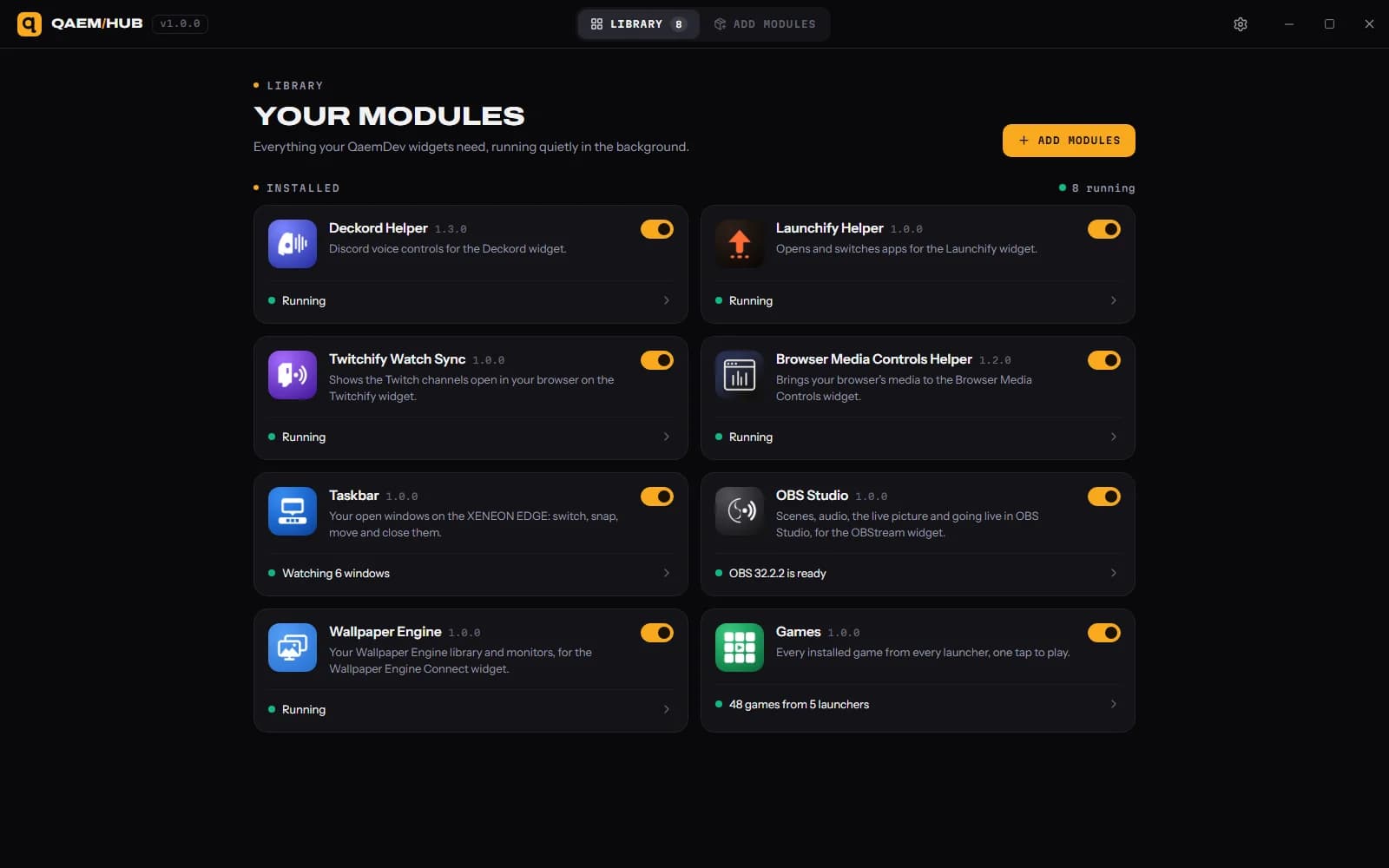
Qaem Hub
The companion app for QAEM products.


XENEON EDGE
Deckord Widget
Discord mission control on your XENEON EDGE. No Stream Deck required.


XENEON EDGE
Browser Media Controls Widget
Your browser's media on the XENEON EDGE, with live artwork and full touch control.

XENEON EDGE
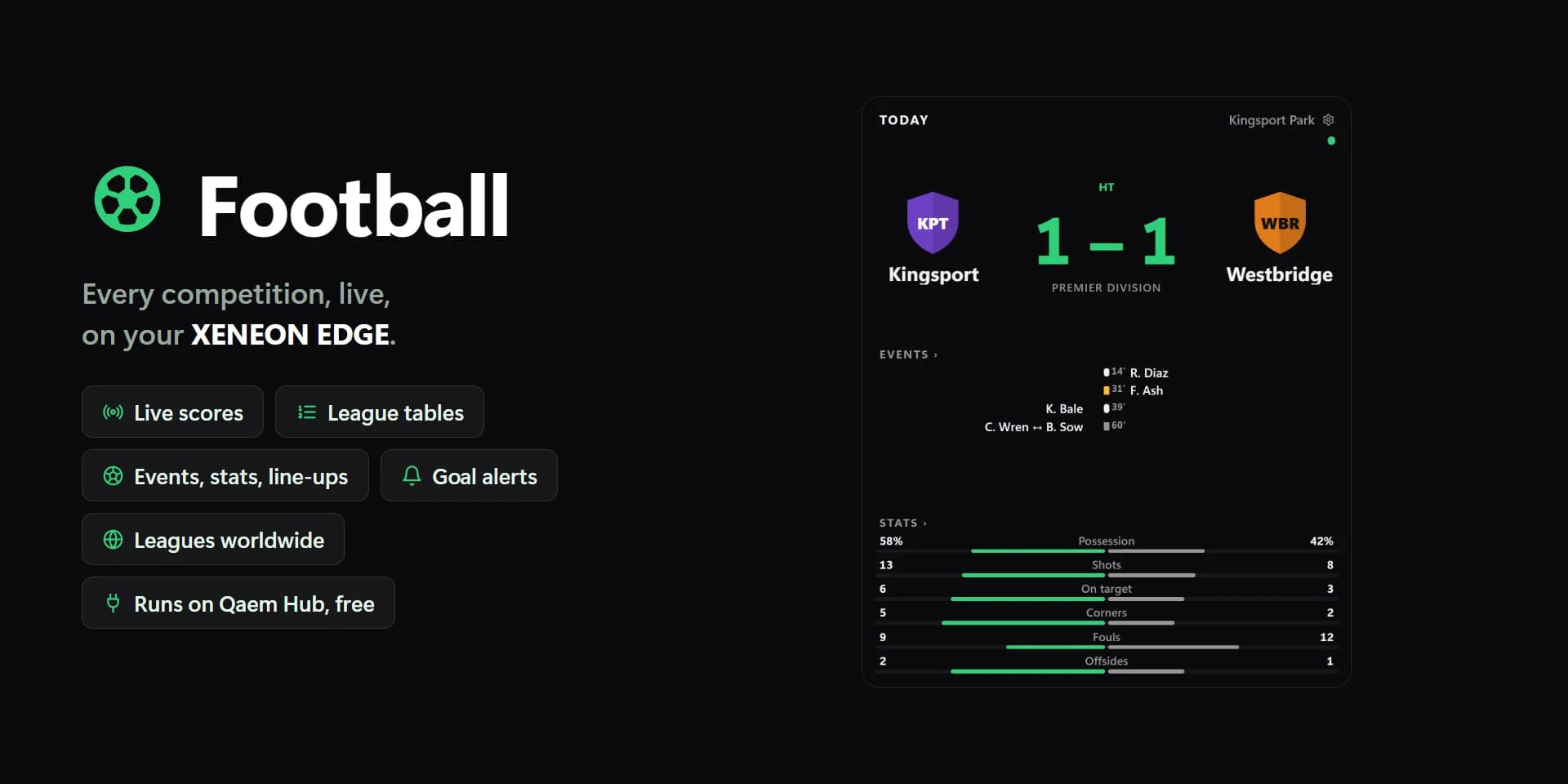
Football
Live scores, fixtures and tables on the XENEON EDGE.

XENEON EDGE
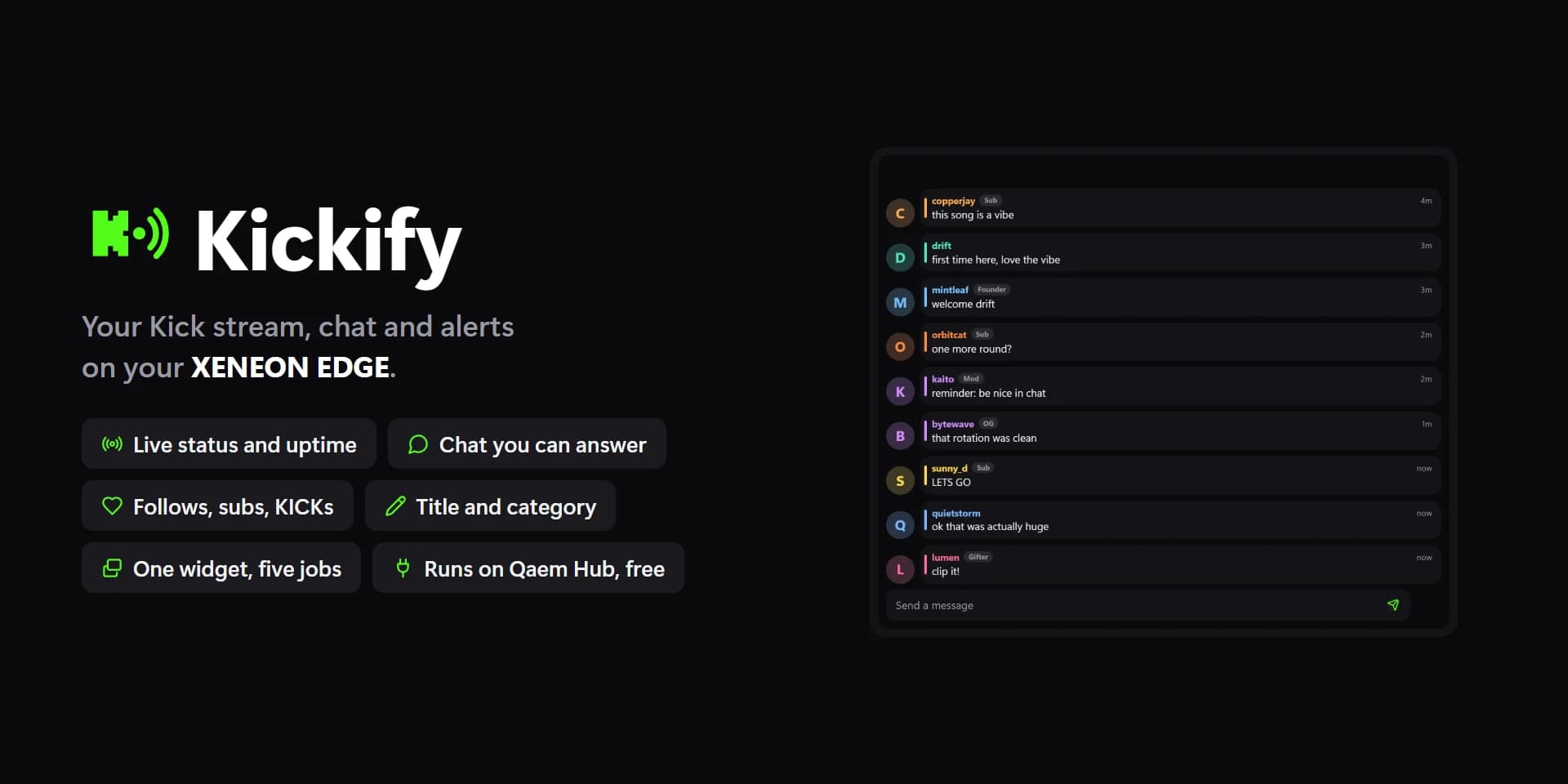
Kickify
Your Kick channel on the XENEON EDGE.

XENEON EDGE
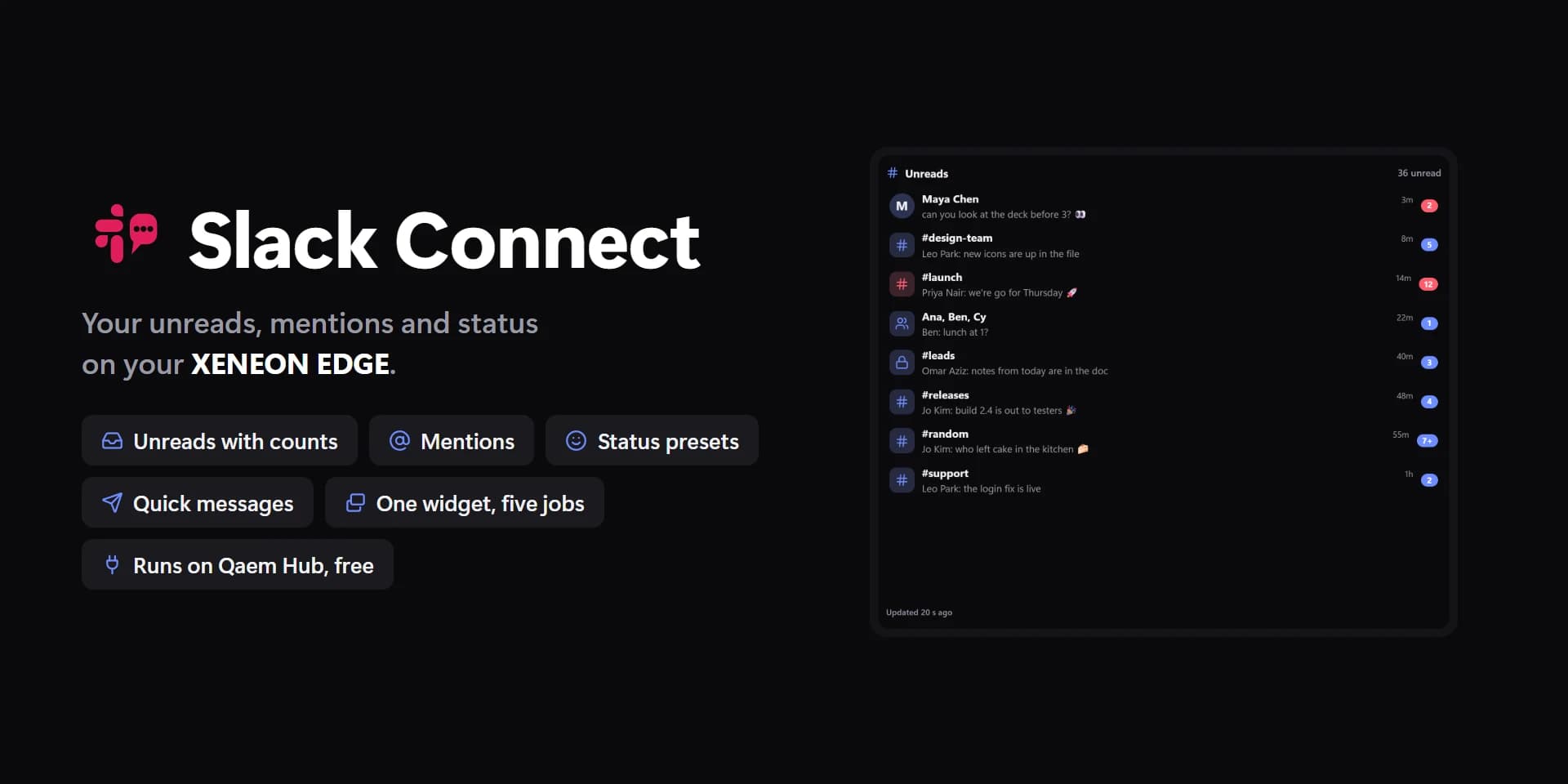
Slack Connect
Your Slack on the XENEON EDGE.