Kickify
Your Kick channel on the XENEON EDGE.
Made for your setup.
Your Kick stream at a glance while you play: live or offline, viewers and uptime, chat you can answer, and every follow, sub, gift and KICK as it happens. Sign in once with Kick in your browser: no password, no keys to paste.
Kickify is an independent widget by QaemDev. It isn't made, endorsed or supported by Kick or Corsair. Kick is a trademark of its owner.
Take a closer look.
What it does.
Live status
Viewers, uptime, title, category, and this stream's follows, subs and KICKs.
Chat
Reply, write as your channel and keep quick replies one tap away.
Moderation
Delete, time out or ban. A ban always asks twice.
Activity
Follows, subs, gifted subs, KICKs and channel rewards as they come in.
Title and category
Change them from the Edge, and see your top KICKs gifters.
Four designs
Studio, Pulse, Bubbles and Ticker, for any tile size.
Specs.
- Category
- XENEON EDGE widgets
- Runs on
- Windows, iCUE, XENEON EDGE
- Requires
- iCUE 5.45 or newer
- A CORSAIR XENEON EDGE
- Windows 10 or 11
- A Kick account
- Qaem Hub, or the Kickify Module
Questions.
Why does Kickify need Qaem Hub?
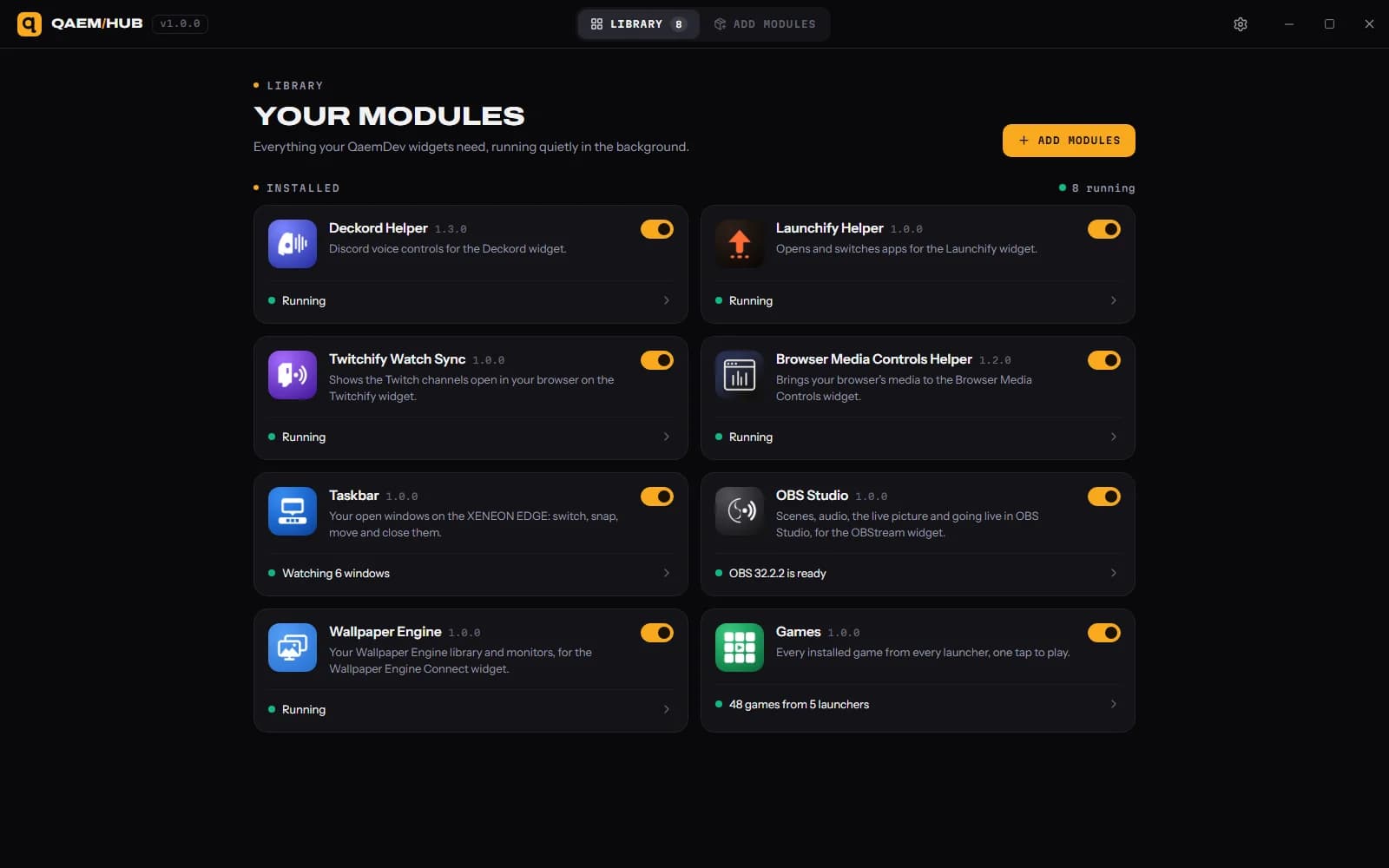
Qaem Hub's Kickify module holds your Kick sign-in, encrypted on your PC. Kick delivers chat and alerts only to a web address, so they reach your PC through qaemdev.com.
How much will Kickify cost?
$9.99, a one-time purchase on the Elgato Marketplace and here on qaemdev.com. Kickify isn't listed yet.
What do I need to run Kickify?
iCUE 5.45 or newer. A CORSAIR XENEON EDGE. Windows 10 or 11. A Kick account. Qaem Hub.