Slack Connect
Your Slack on the XENEON EDGE.
Made for your setup.
Unread channels and DMs with counts, the messages that mention you, and your status one tap away, on your XENEON EDGE. Sign in once with Slack in your browser: no password to type into the widget, no keys to paste.
Slack Connect is an independent widget by QaemDev. It isn't made, endorsed or supported by Slack or Corsair. Slack is a trademark of Slack Technologies, LLC.
Take a closer look.
What it does.
Unreads
Channels, DMs and group DMs with something new, each with its count and newest message.
Mentions
The messages that mention you, with who wrote them and where.
Status
Your status presets, away or active, and paused notifications.
Quick send
Keep a few messages one tap away. A quick message asks before it goes.
Pinned channels
Up to eight channels or people, each with its newest message.
Four designs
Inbox, Counter, Tiles and Rail, for any tile size.
Specs.
- Category
- XENEON EDGE widgets
- Runs on
- Windows, iCUE, XENEON EDGE
- Requires
- iCUE 5.45 or newer
- A CORSAIR XENEON EDGE
- Windows 10 or 11
- A Slack account (your workspace's admins may need to approve the app)
- Qaem Hub, or the Slack Connect Module
Questions.
Why does Slack Connect need Qaem Hub?
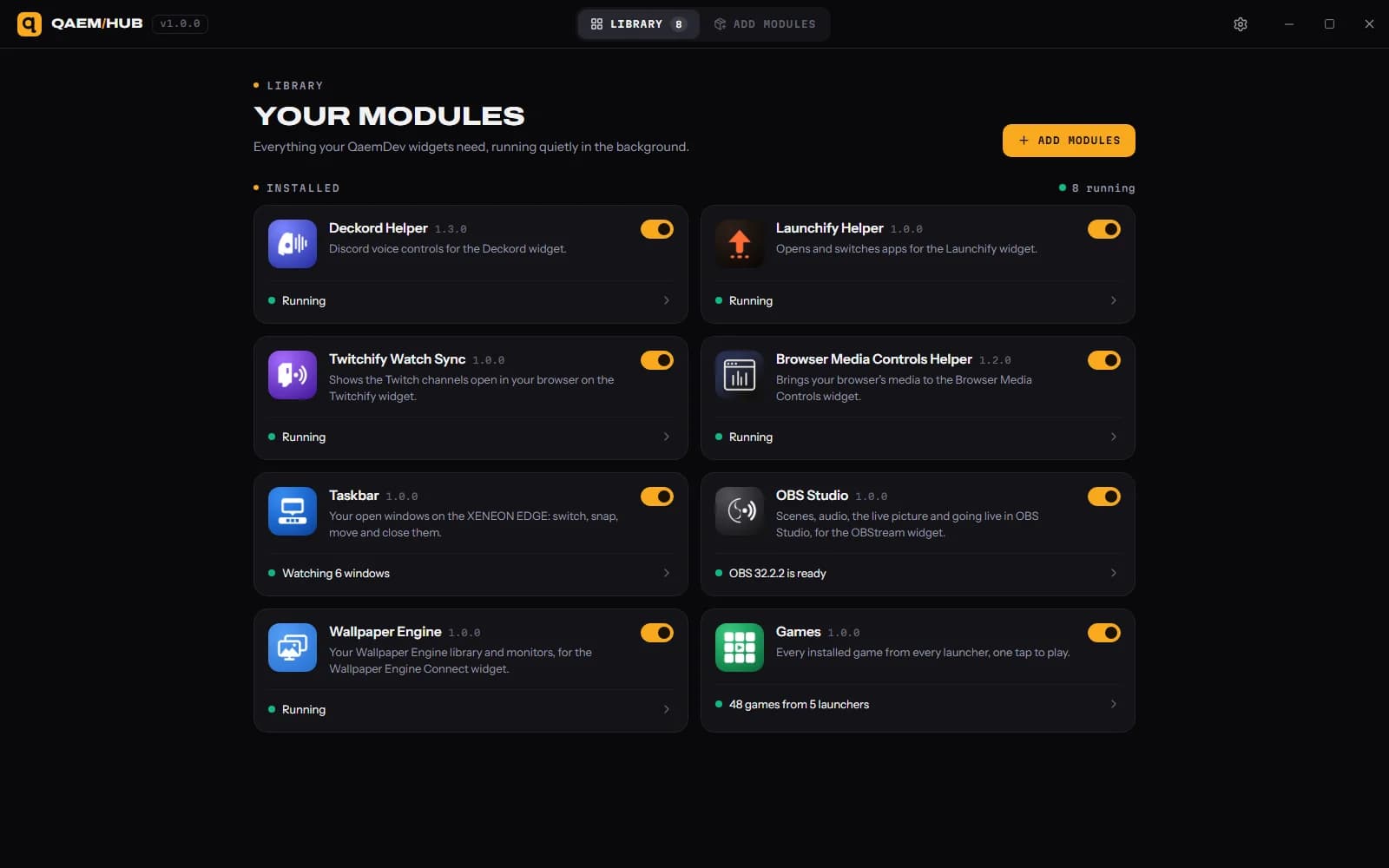
Qaem Hub's Slack Connect module holds your Slack sign-in, encrypted on your PC. The widget never sees it, and only widgets you allow can use it.
How much will Slack Connect cost?
$14.99, a one-time purchase on the Elgato Marketplace and here on qaemdev.com. Slack Connect isn't listed yet.
What do I need to run Slack Connect?
iCUE 5.45 or newer. A CORSAIR XENEON EDGE. Windows 10 or 11. A Slack account (your workspace's admins may need to approve the app). Qaem Hub.