Taskbar
Every open window on your XENEON EDGE, with your pinned apps beside them.
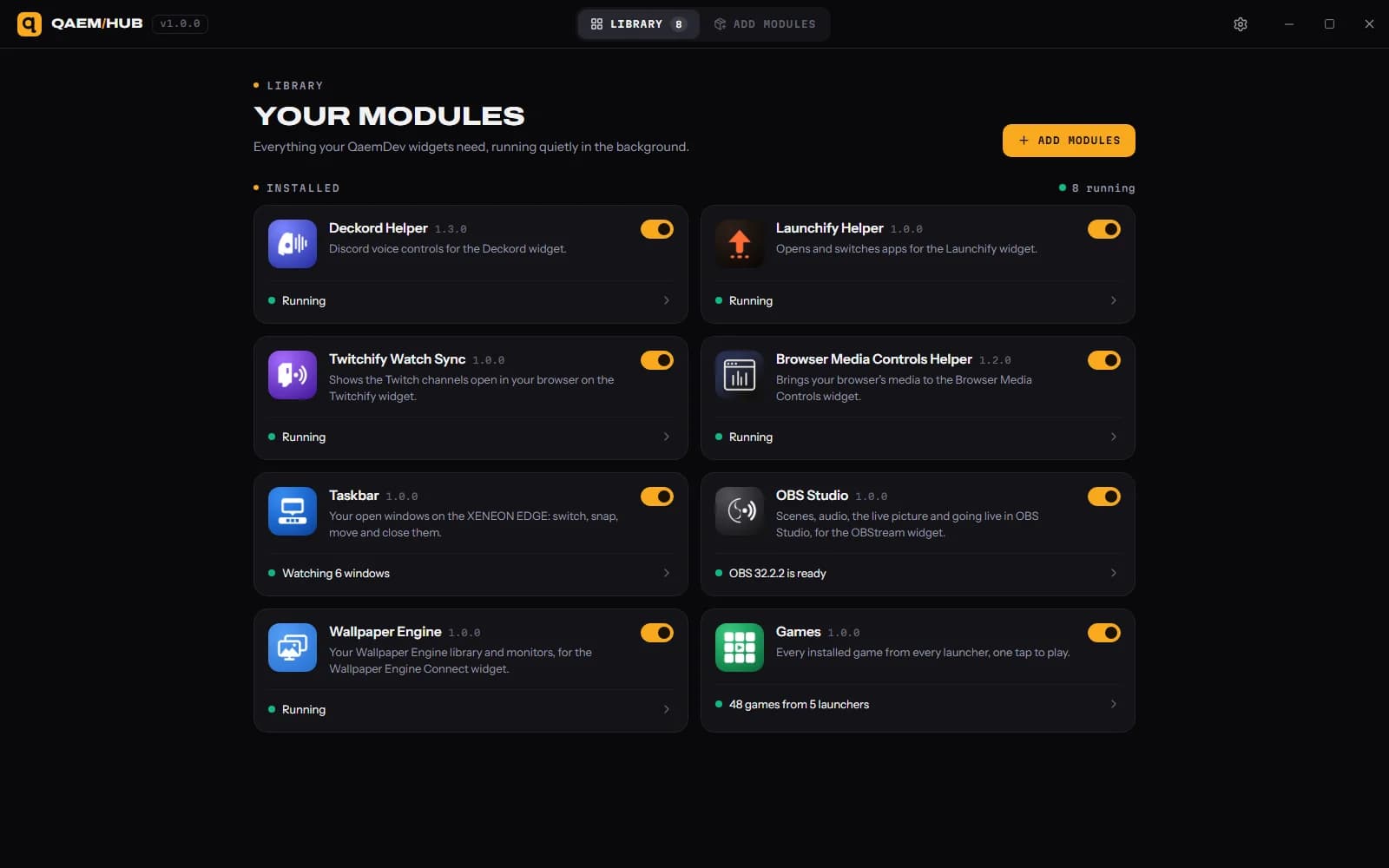
Switch, minimize, snap and move your windows from the touchscreen next to your keyboard. Apps with several windows can be grouped, and Store apps, File Explorer and browser profiles show with their real names and icons. It runs on Qaem Hub, a free app that sees and moves windows for it.
- Windows
- iCUE
- XENEON EDGE
What it does
01
Every window, as a card
The app's icon and name, the window's title and its monitor. Windows that need you are marked.
02
Tap to switch
Tap a window to bring it to the front. Tap the one in front to minimize it.
03
Hold for the rest
Maximize, snap left or right, move to another monitor, open a new window, pin, hide or close.
04
Pinned apps
Beside the windows. A tap switches to the app, or opens it when it isn't running.
05
Four widget types
Everything, One monitor, Pinned apps or Window in front. Each copy you place picks its own.
06
Every tile size
Wide or vertical. Small tiles become an icon dock like the Windows taskbar.
Spec sheet
- Category
- XENEON EDGE widgets
- Runs on
- Windows, iCUE, XENEON EDGE
- Requires
- iCUE 5.45 or newer
- A CORSAIR XENEON EDGE
- Windows 10 or 11
- Qaem Hub (free)
Guides
A setup guide for Taskbar is on the way.
Common questions
- Why does Taskbar need Qaem Hub?
- An iCUE widget can't see or move windows on its own, so Taskbar asks Qaem Hub, a free app that runs in the tray. Qaem Hub watches windows only while Taskbar is showing them, and nothing leaves your PC.
- How much will Taskbar cost?
- $4.99, a one-time purchase on the Elgato Marketplace. Taskbar isn't listed there yet.
- What do I need to run Taskbar?
- iCUE 5.45 or newer. A CORSAIR XENEON EDGE. Windows 10 or 11. Qaem Hub (free).