Github Connect
Your GitHub on the XENEON EDGE.
Made for your setup.
Notifications, pull requests, Actions runs and your contribution graph on your XENEON EDGE, always in view while you work. Tap anything to open it on GitHub. Sign in once with a code you approve on github.com: no password, no tokens to paste.
Github Connect is an independent widget by QaemDev. It isn't made, endorsed or supported by GitHub or Corsair. GitHub is a trademark of GitHub, Inc.
Take a closer look.
What it does.
Notifications
Unread first, with why each one reached you. Tap to open, hold to mark read.
Pull requests
Yours and the ones waiting for your review, with their checks and review state.
Actions runs
Live while they run. Hold a finished run to re-run it.
Issues and repositories
Issues assigned to you or mentioning you, and any repository's stars, forks and latest release.
Contributions
Your contribution graph, current and longest streak, this week and this year.
Four designs
List, Glance, Cards and Terminal, each laid out for any tile size.
Specs.
- Category
- XENEON EDGE widgets
- Runs on
- Windows, iCUE, XENEON EDGE
- Requires
- iCUE 5.45 or newer
- A CORSAIR XENEON EDGE
- Windows 10 or 11
- A GitHub account
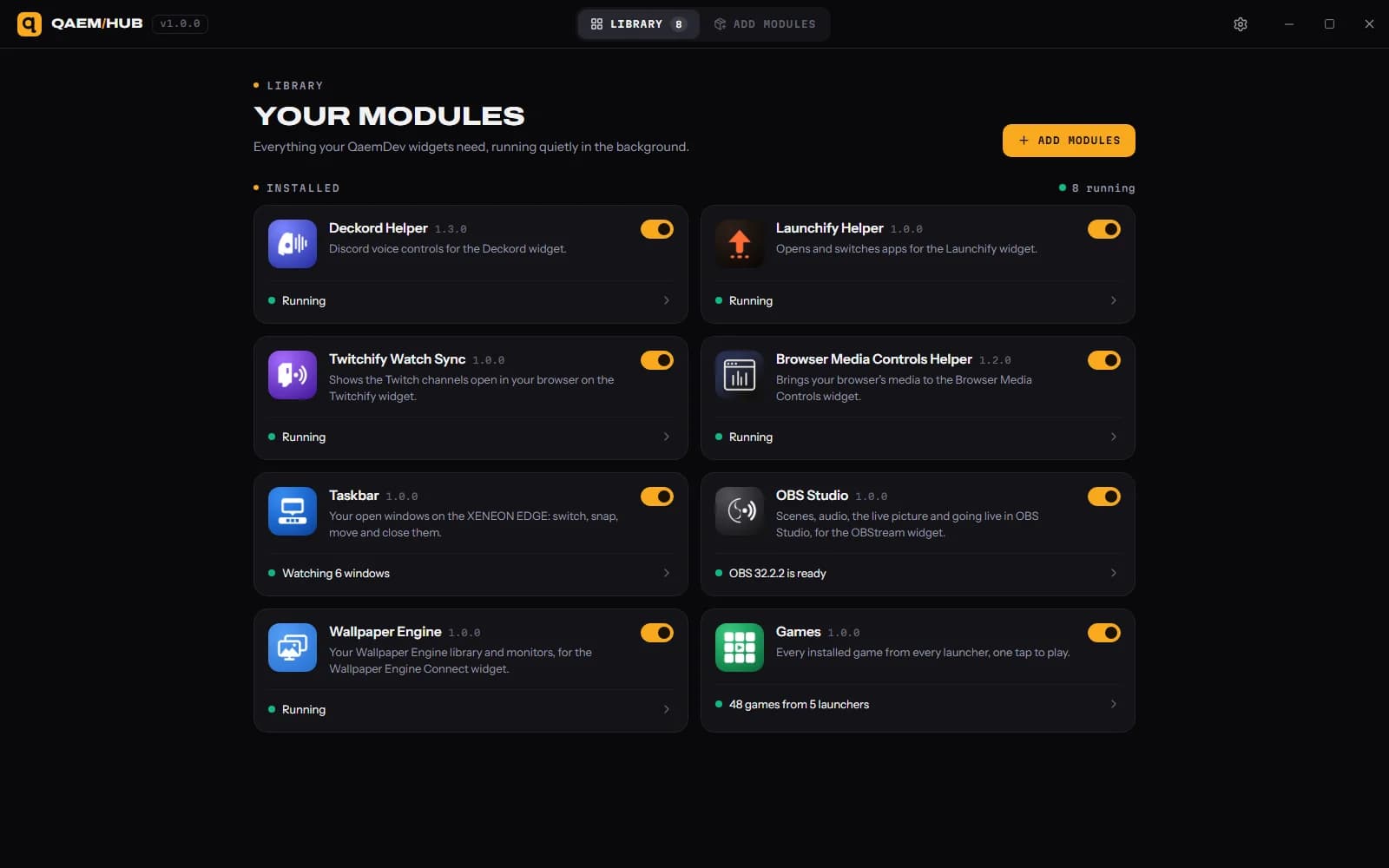
- Qaem Hub, or the Github Connect Module
Questions.
Why does Github Connect need Qaem Hub?
Qaem Hub's Github Connect module holds your GitHub sign-in, encrypted on your PC, and asks GitHub once for every copy of the widget. The widget never sees your sign-in.
How much will Github Connect cost?
$14.99, a one-time purchase on the Elgato Marketplace and here on qaemdev.com. Github Connect isn't listed yet.
What do I need to run Github Connect?
iCUE 5.45 or newer. A CORSAIR XENEON EDGE. Windows 10 or 11. A GitHub account. Qaem Hub.