Notion Connect Plugin Notion plugin for Stream Deck and Stream Deck +
Tasks, checklists and quick capture for Notion on Stream Deck.
Made for your setup.
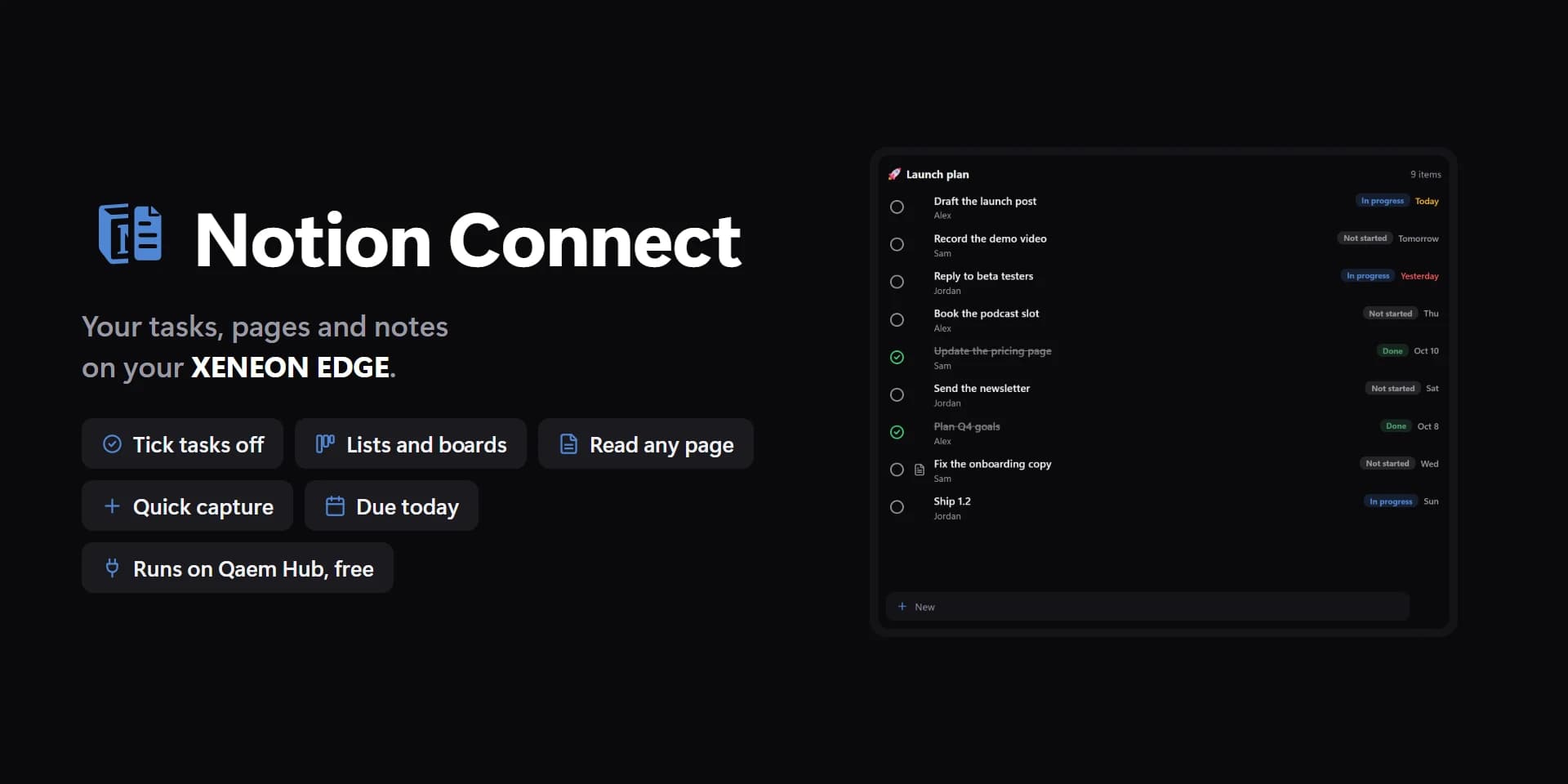
Notion Connect Plugin is a Notion plugin for Stream Deck and Stream Deck +. Your Notion on Stream Deck: tick tasks, change statuses, work through checklists, capture ideas and see what's due from your keys and dials. Sign in once with Notion in your browser. Nothing else to install.
Notion Connect is an independent plugin by Qaem. It isn't made, endorsed or supported by Notion Labs.
Take a closer look.
What it does.
Database and Task
How many rows are open, overdue or due today, and one row with a tick.
Status
Press to move a row's status or select to the next option.
Checklist and Quick capture
Tick a page's to-dos one by one, or add a line or row in one press.
Due soon
What's overdue, due today and coming up across your databases.
Stream Deck +
Turn a dial to walk a database, a checklist or what's due, push to tick.
Specs.
- Category
- Stream Deck plugins
- Runs on
- Windows, Stream Deck
- Requires
- Stream Deck 6.9 or newer
- Windows 10 or 11
- A Notion account
Guides.
A setup guide for Notion Connect Plugin is on the way.
Questions.
How much does Notion Connect Plugin cost?
$14.99. One-time purchase here, with free updates.
Where do I get Notion Connect Plugin?
Here on qaemdev.com, at checkout.
What do I need to run Notion Connect Plugin?
Stream Deck 6.9 or newer. Windows 10 or 11. A Notion account.