Notion Connect
Your Notion on the XENEON EDGE.
Made for your setup.
Your tasks, pages and notes in view while you work or play: tick tasks off, change their status, read a page, jot something down and see what's due, without switching windows. Sign in once with Notion and pick the pages it may see.
Notion Connect is an independent widget by QaemDev. It isn't made, endorsed or supported by Notion or Corsair. Notion is a trademark of Notion Labs, Inc.
Take a closer look.
What it does.
Databases
Any database as a list or a board, filtered and sorted by its own properties.
Tick and change
Tick a task or change its status. Changes go straight back to Notion.
Pages
Read a page on the Edge and tick its to-dos right there.
Quick capture
Add a to-do, a line or a database row, with one-tap presets.
Due soon
What's overdue, due today and coming up across your databases.
Four designs
List, Board, Focus and Strip, for any tile size.
Specs.
- Category
- XENEON EDGE widgets
- Runs on
- Windows, iCUE, XENEON EDGE
- Requires
- iCUE 5.45 or newer
- A CORSAIR XENEON EDGE
- Windows 10 or 11
- A Notion account
- Qaem Hub, or the Notion Connect Module
Questions.
Why does Notion Connect need Qaem Hub?
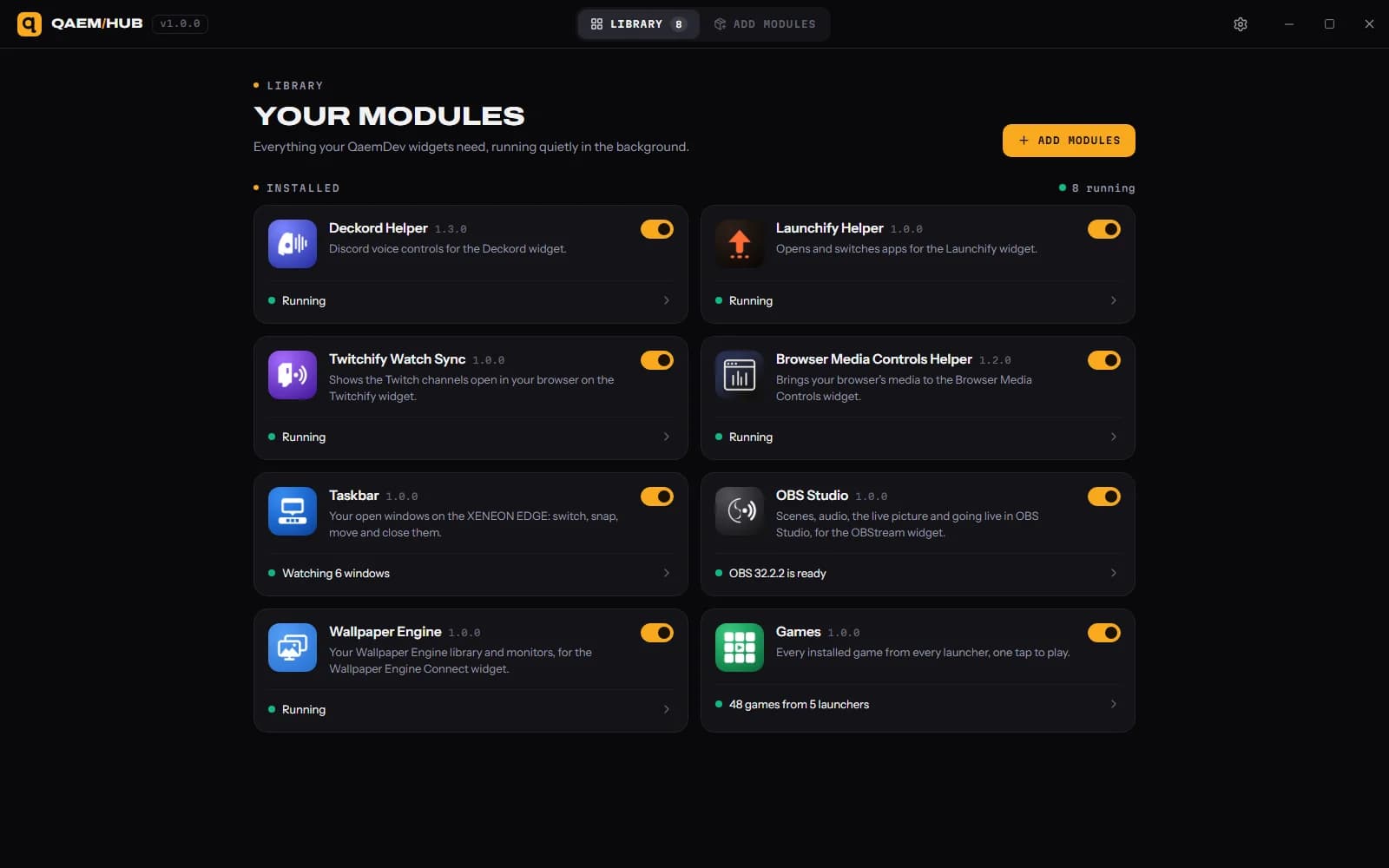
Qaem Hub's Notion Connect module holds your Notion sign-in, encrypted on your PC. The widget never sees it, and Notion only shares the pages you pick.
How much will Notion Connect cost?
$14.99, a one-time purchase on the Elgato Marketplace and here on qaemdev.com. Notion Connect isn't listed yet.
What do I need to run Notion Connect?
iCUE 5.45 or newer. A CORSAIR XENEON EDGE. Windows 10 or 11. A Notion account. Qaem Hub.