Wave Link Connect
Elgato Wave Link's mixer on the XENEON EDGE.
Made for your setup.
Mix your audio from the touchscreen next to your keyboard: a fader, mute and live meter for every Wave Link channel, both mixes, the output you listen on and your microphone. Laid out for any tile, so nothing is squashed or cut off.
Wave Link Connect is an independent widget by QaemDev. It isn't made, endorsed or supported by Elgato or Corsair. Wave Link is a trademark of Elgato.
Take a closer look.
What it does.
Every channel
A fader, mute and live meter for each Wave Link channel.
Both mixes
Set the Personal Mix or the Stream Mix.
Where you listen
Switch the output and mute your microphone.
Four designs
Console, Rows, Pads and Monitor.
Safe by design
A fader moves only when you slide it, never on a tap.
Local only
Talks only to Qaem Hub and Wave Link on your PC.
Specs.
- Category
- XENEON EDGE widgets
- Runs on
- Windows, iCUE, XENEON EDGE
- Requires
- Elgato Wave Link 3 or 2
- iCUE 5.49 or newer
- A CORSAIR XENEON EDGE
- Windows 10 or 11
- Qaem Hub, or the Wave Link Connect Module
Guides.
A setup guide for Wave Link Connect is on the way.
Questions.
Why does Wave Link Connect need Qaem Hub?
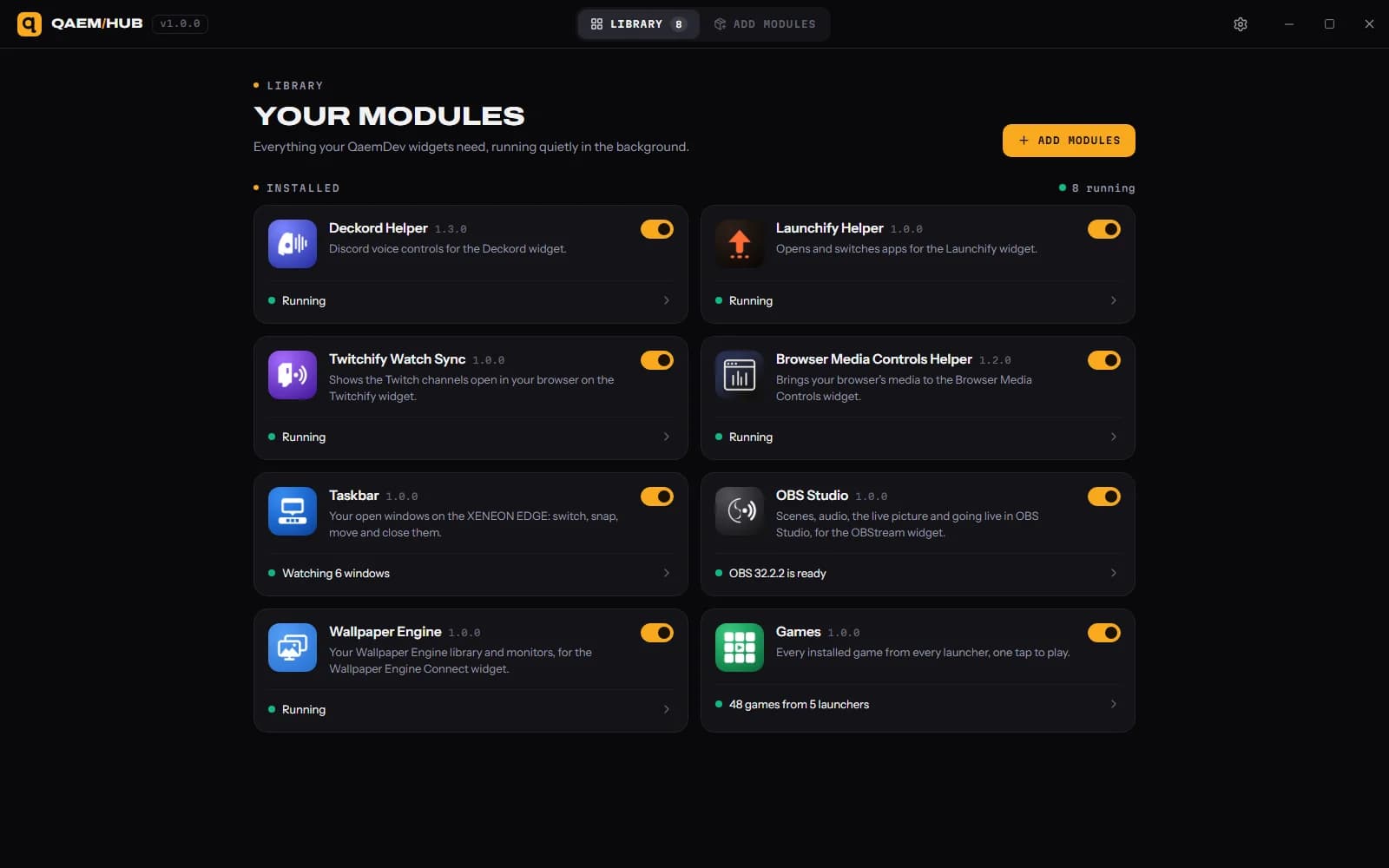
Wave Link only talks to Elgato's own software, so Wave Link Connect reaches it through Qaem Hub, a free app on your PC. Switch on Wave Link Connect in Qaem Hub and the widget connects. Nothing leaves your PC.
How much will Wave Link Connect cost?
$9.99, a one-time purchase on the Elgato Marketplace and here on qaemdev.com. Wave Link Connect isn't listed yet.
What do I need to run Wave Link Connect?
Elgato Wave Link 3 or 2. iCUE 5.49 or newer. A CORSAIR XENEON EDGE. Windows 10 or 11. Qaem Hub.