
Nudge Wake-on-LAN app to turn on your PC from your phone
Turn on your PC from your phone.
Made for your setup.
Nudge is a phone app for iPhone and Android, plus a free companion app for Windows. Your phone sends a Wake-on-LAN signal to turn the PC on, and the companion app handles everything else: shut down, restart, sleep, hibernate and lock. No accounts, no cloud and no ads: your phone talks to your PC directly over your home Wi-Fi.
Nudge works with Tailscale, but isn't affiliated with or endorsed by Tailscale Inc.
Take a closer look.
What it does.
Wake from your phone
A Wake-on-LAN signal over your home network turns the PC on.
Every power action
Shut down, restart and sleep, plus hibernate and lock with Pro. Shut down and restart are press-and-hold, so a stray tap does nothing.
Later, not now
Shut down in 30 minutes, or at 11:30 PM. Pro.
Automations
Turn on at a time, shut down at a time, or sleep when the PC is idle. Pro.
Away from home
Shut down, restart or sleep your PC through your own Tailscale network. Pro.
Groups
Sort PCs into groups, then wake, shut down, restart or sleep all of them at once. Pro.
Checks your wake settings
The PC app checks what waking needs, and fixes most of it in one click.
Works at the sign-in screen
The PC app runs as a Windows service, so it answers before anyone signs in.
Private
No account, no cloud, no ads and no analytics. Commands go straight to your PC, encrypted.
Free or Pro.
Free $0 | Pro $9.99 once | |
|---|---|---|
| Control | ||
| PCs | 1 | Unlimited |
| Wake, shut down, restart, sleep | ||
| Hibernate and lock | ||
| Delayed actions "In 5 min", "at 11:30 PM". | ||
| Automations Shut down at a time, sleep after idle, turn on at a time. | ||
| Groups and "all PCs" actions | ||
| Away from home | ||
| Remote control through your own Tailscale network Waking still needs your home network. | ||
Specs.
- Category
- Apps
- Runs on
- iPhone, Android, Windows 10/11
- Requires
- An iPhone or an Android phone
- Windows 10 (1809 or later) or 11, 64-bit, with the free Nudge PC app
- The phone on the PC's home network to pair and to wake
Questions.
Do I need an account?
No. There's no Nudge account and no sign-in.
Does Nudge send my data to the cloud?
No. Your phone and PC talk directly on your network, and commands are encrypted. The only outside service involved is the store purchase check for Pro.
Do I have to install something on my PC?
Yes, the free Nudge PC app from the Microsoft Store. Waking works by itself, but shut down, restart, sleep, hibernate, lock and automations need the PC app.
Does it work with Mac or Linux?
Not at the moment. The PC app is Windows-only.
Does it work over mobile data or from another house?
Yes for power actions, with Pro and your own Tailscale network set up. Waking needs the phone on the PC's home network for now.
Can several phones control the same PC?
Yes. Pair each phone with the PC. Any paired phone can see and cancel a scheduled action. Remove phones you no longer use in the PC app.
Can I control several PCs?
Free controls one PC. Pro controls unlimited PCs, and you can sort them into groups and wake, shut down, restart or sleep all of them at once.
Is Pro a subscription?
No. It's $9.99 once (or the equivalent in your currency), and you keep it. Use Restore purchase on a new phone.
Can I get a refund?
Refunds are handled by Apple or Google. Request one through the App Store (reportaproblem.apple.com) or Google Play (your order history).
What happens to unsaved work when I shut down remotely?
Normal shutdown and restart let Windows ask apps to close. If an app blocks it, Nudge tells you. Force closes apps without saving. Scheduled actions show a countdown on the PC that anyone at the PC can cancel.
Does the PC have to be signed in?
No. The PC app runs as a Windows service, so wake, shut down, restart, sleep and hibernate work at the sign-in screen too. Lock needs someone to be signed in.
Is Nudge affiliated with Tailscale?
No. Nudge works with Tailscale, but it isn't affiliated with or endorsed by Tailscale Inc.
How do I remove everything?
Delete the phone app. On the PC, uninstall Nudge from Settings → Apps, leaving "Also delete pairings and settings" ticked.
How much does Nudge cost?
Free · Pro $9.99. Pro is a one-time in-app purchase, not a subscription.
What do I need to run Nudge?
An iPhone or an Android phone. Windows 10 (1809 or later) or 11, 64-bit, with the free Nudge PC app. The phone on the PC's home network to pair and to wake.
More Apps


Apps
Browser Media Controls for Windows
Your browser's media on the Windows desktop, with a Dynamic Island, flyout and hotkeys.
Apps
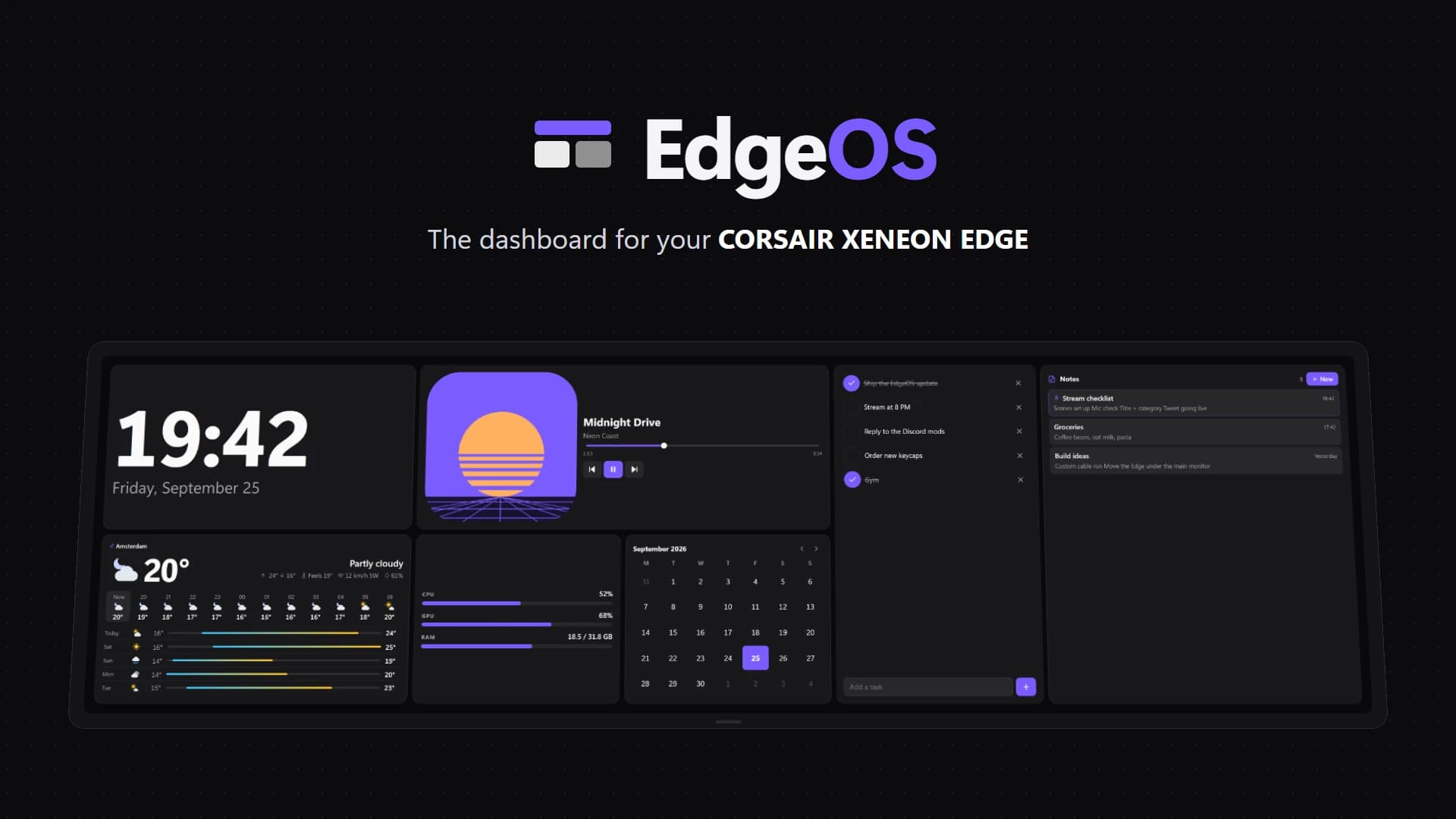
EdgeOS
Desktop widgets and dashboards for Windows, on your monitors and the CORSAIR XENEON EDGE.
Apps
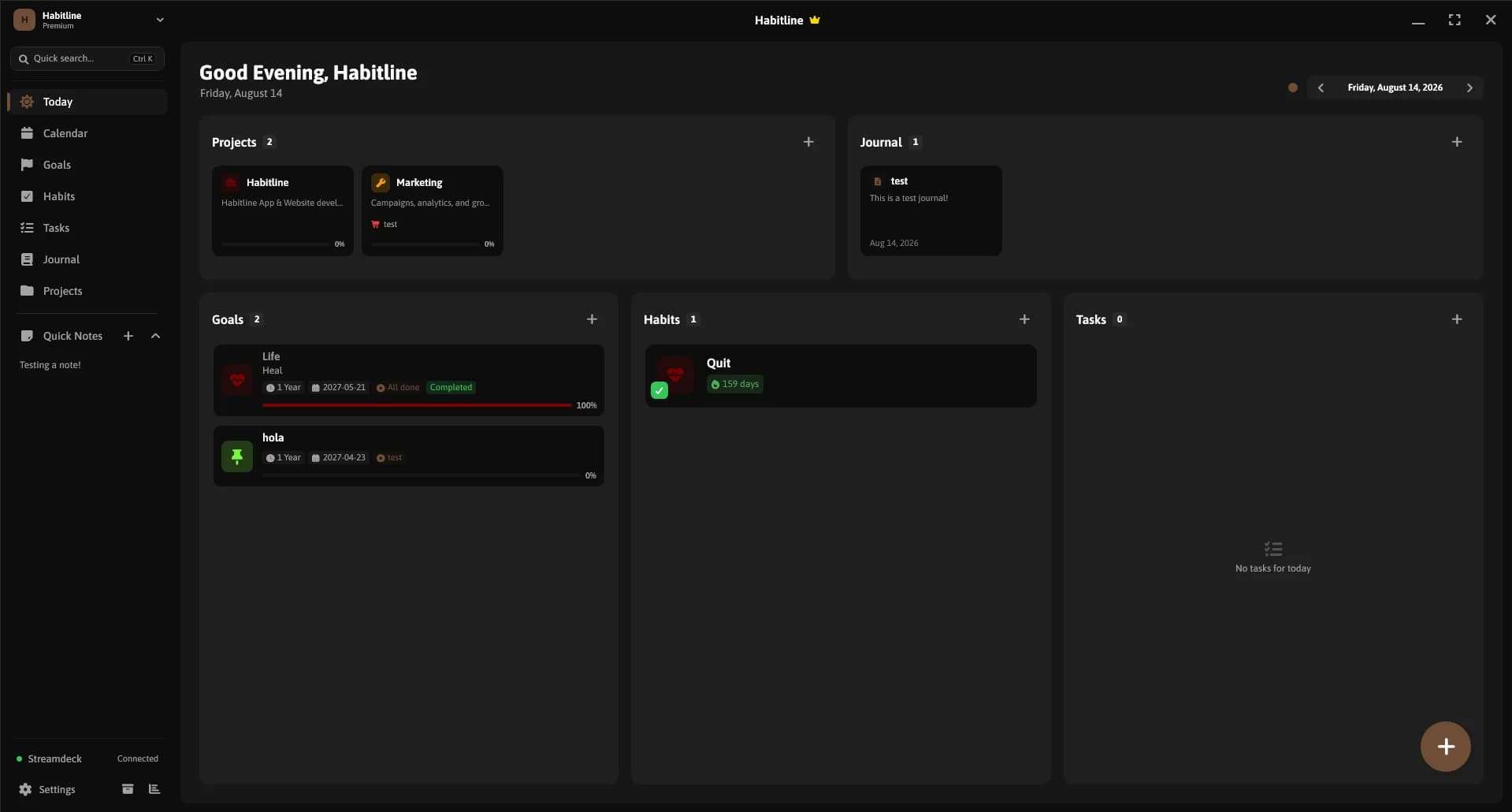
Habitline
A calm Windows app for habits that stick, with goals, tasks, a journal and boards.