Obsidian Connect
Your Obsidian vault on the XENEON EDGE.
Made for your setup.
Your notes at a glance while you work: today's note with its tasks, what's due, your bookmarks and the days you wrote. No sign-in and no Obsidian plugin: it reads your vault straight from its folder, and your notes never leave your PC.
Obsidian Connect is an independent widget by QaemDev. It isn't made, endorsed or supported by Obsidian or Corsair. Obsidian is a trademark of Dynalist Inc.
Take a closer look.
What it does.
Today
Today's daily note with its tasks, started from your own template.
Tasks
Open tasks with due dates and priorities, as the Tasks plugin writes them.
Quick capture
Add a task or a line to today's note or an inbox note.
Pinned and recent
Your bookmarks and the notes you edited last.
Stats
Notes, words, your writing streak and a calendar of the days you wrote.
Only the line you touch
Ticking a task changes that one line and nothing else.
Specs.
- Category
- XENEON EDGE widgets
- Runs on
- Windows, iCUE, XENEON EDGE
- Requires
- Obsidian, with a vault on this PC
- iCUE 5.45 or newer
- A CORSAIR XENEON EDGE
- Windows 10 or 11
- Qaem Hub, or the Obsidian Connect Module
Questions.
Why does Obsidian Connect need Qaem Hub?
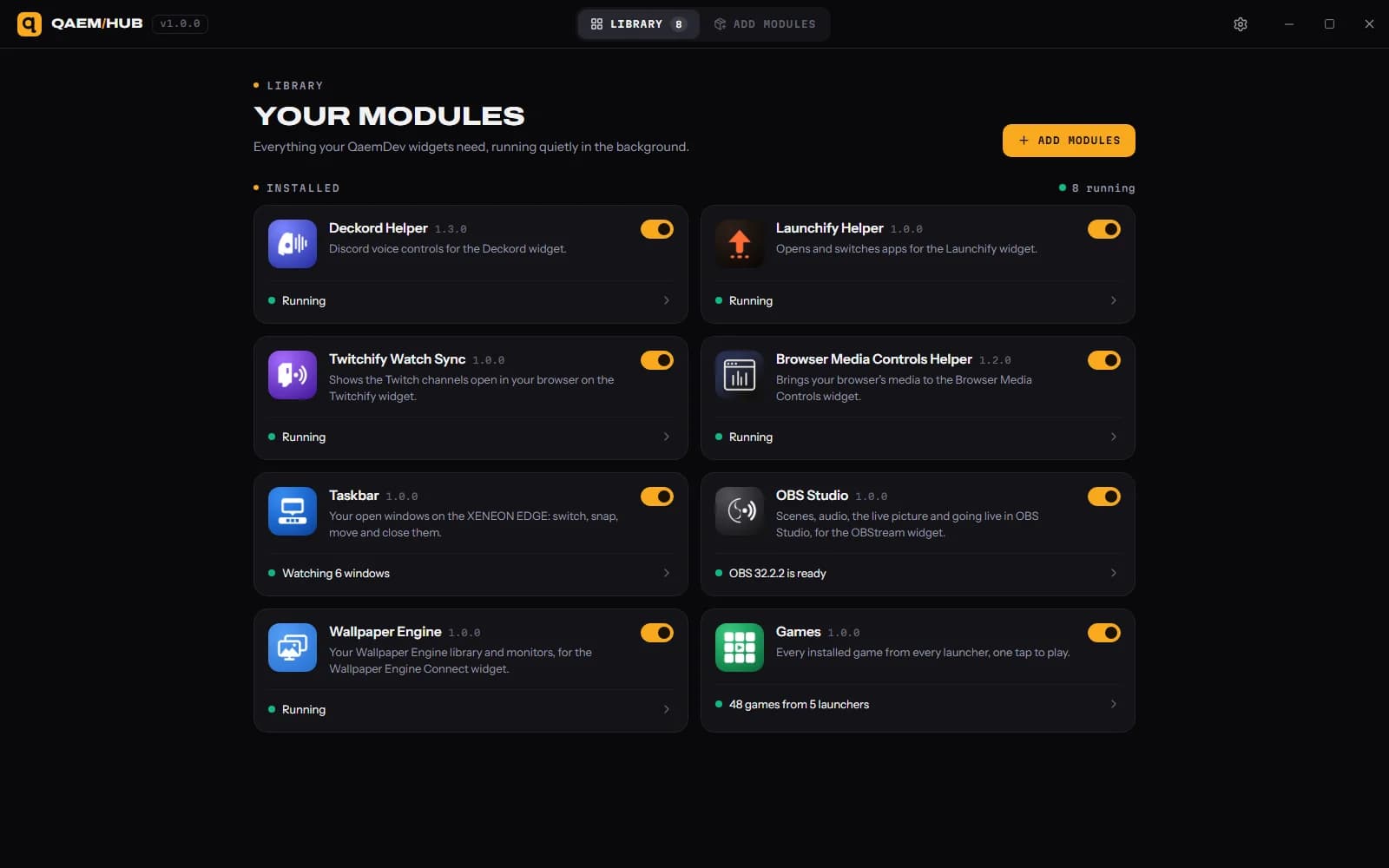
An iCUE widget can't read files on your PC, so Qaem Hub's Obsidian Connect module reads your vault for it. Your notes never leave your computer.
How much will Obsidian Connect cost?
$9.99, a one-time purchase on the Elgato Marketplace and here on qaemdev.com. Obsidian Connect isn't listed yet.
What do I need to run Obsidian Connect?
Obsidian, with a vault on this PC. iCUE 5.45 or newer. A CORSAIR XENEON EDGE. Windows 10 or 11. Qaem Hub.