Playnite Library
Your Playnite games on the XENEON EDGE.
Made for your setup.
Your Playnite library on your XENEON EDGE: every game with its cover, how long you've played it and when you last did. Tap a game to play it through Playnite. Steam, Epic, GOG, emulators and everything else you keep in Playnite, in one place.
Playnite Library is an independent widget by QaemDev. It isn't made, endorsed or supported by Playnite's developers or Corsair. Playnite is the work of its own developers.
Take a closer look.
What it does.
Your whole library
Covers, backdrops, playtime and when you last played.
One tap to play
Starts through Playnite, with your emulator profiles and scripts.
Now playing
The game you're playing, with its session time and total playtime.
Sort and filter
By source, platform, category or tag. Hidden games stay hidden.
Four jobs
Library, Recently played, Favorites or Now playing.
Local only
Your library is read on your PC and never changed.
Specs.
- Category
- XENEON EDGE widgets
- Runs on
- Windows, iCUE, XENEON EDGE
- Requires
- Playnite 10, installed or portable
- iCUE 5.45 or newer
- A CORSAIR XENEON EDGE
- Windows 10 or 11
- Qaem Hub, or the Playnite Module
Questions.
Why does Playnite Library need Qaem Hub?
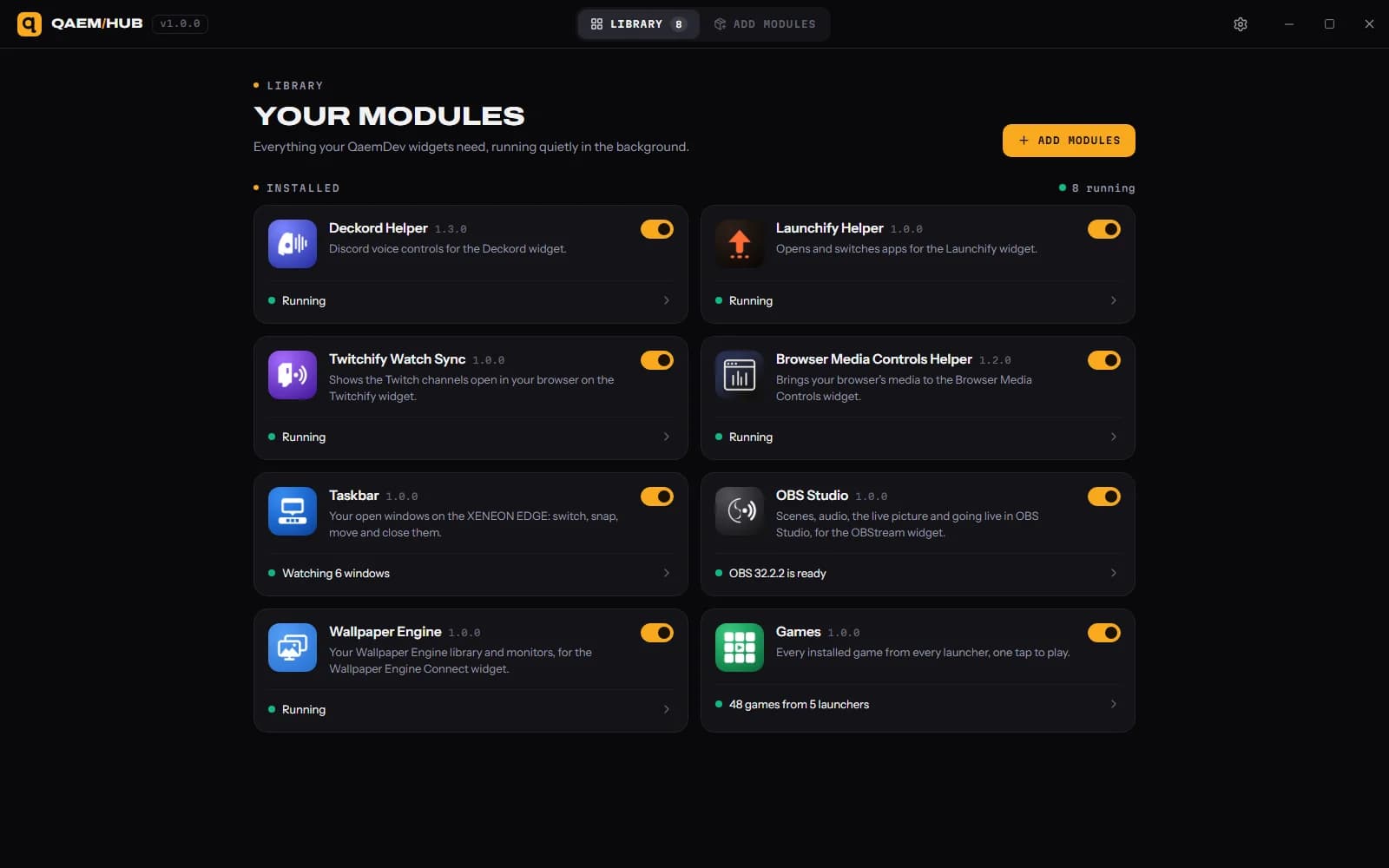
Qaem Hub's Playnite module reads your library on your PC and starts games through Playnite. It never changes your Playnite library.
How much will Playnite Library cost?
$9.99, a one-time purchase on the Elgato Marketplace and here on qaemdev.com. Playnite Library isn't listed yet.
What do I need to run Playnite Library?
Playnite 10, installed or portable. iCUE 5.45 or newer. A CORSAIR XENEON EDGE. Windows 10 or 11. Qaem Hub.