Stripe Connect
Your Stripe sales on the XENEON EDGE.
Made for your setup.
How your store is doing, at a glance: today's revenue against yesterday's, every new sale as it comes in, your MRR and your next payout. Connect with a read-only Stripe key that stays on your PC: Stripe Connect refuses any key that could change something in your account.
Stripe Connect is an independent widget by QaemDev. It isn't made, endorsed or supported by Stripe or Corsair. Stripe is a trademark of Stripe, Inc.
Take a closer look.
What it does.
Revenue
Today, this week or this month, gross or net, against the period before.
Live sales feed
Sales, refunds, disputes, failed payments and payouts, newest first.
Sale alerts
The tile flashes when a sale comes in, with a soft chime if you like.
The figures that matter
MRR, subscriptions, new customers, balance and next payout.
Several accounts
A key for each Stripe account. Test mode works too.
Four designs
Ledger, Feed, Figure and Strip, with a privacy mode for streams.
Specs.
- Category
- XENEON EDGE widgets
- Runs on
- Windows, iCUE, XENEON EDGE
- Requires
- iCUE 5.45 or newer
- A CORSAIR XENEON EDGE
- Windows 10 or 11
- A Stripe account where you can make a restricted API key
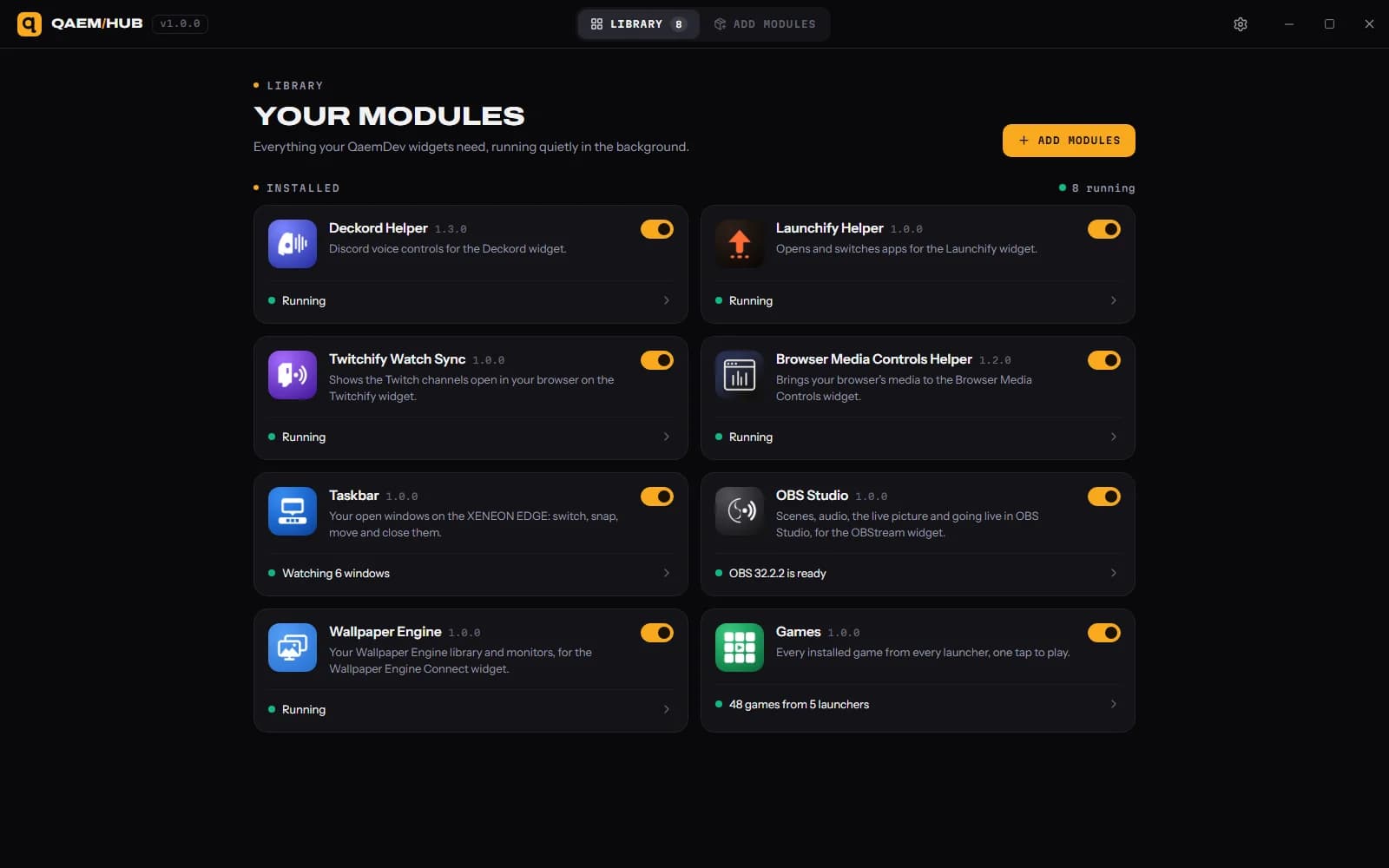
- Qaem Hub, or the Stripe Connect Module

Questions.
Why does Stripe Connect need Qaem Hub?
Qaem Hub's Stripe Connect module keeps your read-only Stripe key, encrypted on your PC. The widget never sees it again, only widgets you allow can see your figures, and nothing goes to QAEM.
How much will Stripe Connect cost?
$14.99, a one-time purchase on the Elgato Marketplace and here on qaemdev.com. Stripe Connect isn't listed yet.
What do I need to run Stripe Connect?
iCUE 5.45 or newer. A CORSAIR XENEON EDGE. Windows 10 or 11. A Stripe account where you can make a restricted API key. Qaem Hub.