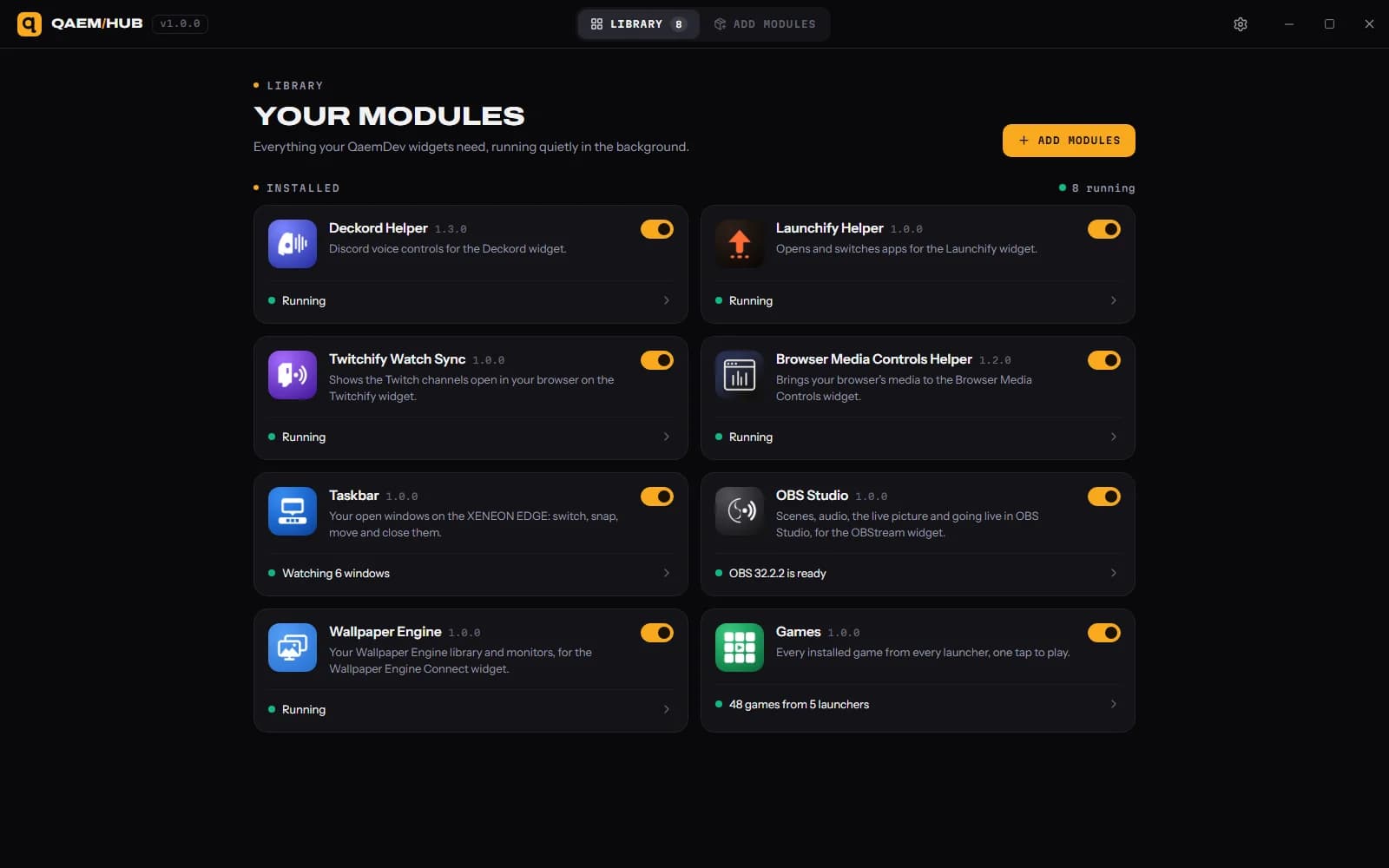
Twitchify Watch Sync Twitch chat extension that follows the stream you watch
Puts the chat of the Twitch channel you're watching on your XENEON EDGE.
Made for your setup.
Twitchify Watch Sync is a Twitch chat extension that follows the stream you watch. Watch Sync is the optional browser half of Twitchify. It tells the Twitchify widget which channel you're watching, so the chat on your EDGE follows along as you move between streams. Free, and only needed if you want that.
Twitchify Watch Sync is an independent extension by QaemDev. It isn't made, endorsed or supported by Twitch. Twitch is a trademark of Twitch Interactive, Inc.
What it does.
Follows your stream
The chat on your EDGE switches when you switch channels.
Works with Qaem Hub
Pairs with the Twitchify Watch Sync module in Qaem Hub, a free app for Windows.
Nothing to sign in to
No Twitch login, no account, no keys.
Specs.
- Category
- Browser extensions
- Version
- 1.0.0
- Runs on
- Chrome, Firefox (coming soon)
- Works with
- Twitch
- Requires
- The Twitchify widget
- Google Chrome or another Chromium browser
- Qaem Hub, or the Twitchify Watch Sync Module
Guides.
How to put Twitch chat on a second monitor (or see it without one)
Every way to keep Twitch chat in view while you stream or play: popout chat, an OBS dock, your phone, or a small touchscreen like the XENEON EDGE with one-tap moderation.
Set up Twitchify for Twitch chat
Import Twitchify, place it on your XENEON EDGE and sign in to Twitch with a code, then optionally add Watch Sync for your browser.
Questions.
How much does Twitchify Watch Sync cost?
Free.
Where do I get Twitchify Watch Sync?
On the Chrome Web Store.
What do I need to run Twitchify Watch Sync?
The Twitchify widget. Google Chrome or another Chromium browser. Qaem Hub.